



High season on Vrbo moves fast—and so should your pricing. The right pricing software for high-season rate surges combines real-time rate updates, AI-driven demand signals, seasonality and event detection, customizable guardrails (min/max rates, weekend premiums, minimum stays), and instant API connections to your PMS. Add portfolio analytics, manual overrides, and automation for guest operations, and you’ll capture more peak‑period revenue without overloading your team. This guide walks you through the strategy and setup PriceLabs recommends so you can scale dynamic pricing across Vrbo with confidence and measurable uplift.
Understand Dynamic Pricing for Vrbo High-Season Surges
Dynamic pricing for short‑term rentals automatically adjusts nightly rates based on performance, local competition, seasonal trends, demand spikes, events, and booking velocity. In practice, that means your Vrbo prices rise to capture surges and drop to protect occupancy when pace slows.

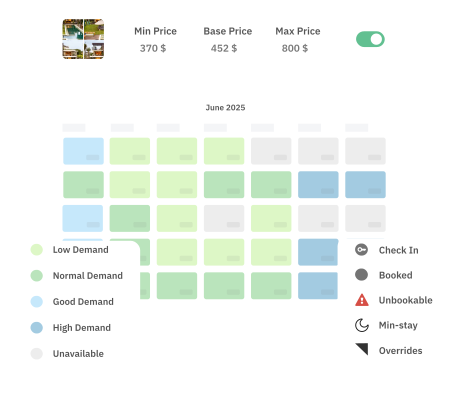
Where AI pricing tools for vacation rentals shine is in real-time revenue optimization: they ingest booking pace, local comps, lead times, holidays, and event calendars to recommend the most profitable rate for each night. For Vrbo, this translates into occupancy optimization while sustaining ADR during surges.
Automated vs. manual pricing at a glance:
- Data inputs
- Automated (AI): Market demand, comps, pacing, seasonality, events, listing performance.
- Manual: Host intuition, occasional comp checks.
- Speed and frequency
- Automated: Continuous, real-time updates.
- Manual: Infrequent and reactive.
- Peak capture
- Automated: Proactively lifts rates as demand accelerates.
- Manual: Often lags, leaving money on the table.
- Guardrails and control
- Automated: Min/max, weekend/holiday rules, orphan-night strategies.
- Manual: Harder to maintain consistently.
- Time cost
- Automated: Scales across portfolios.
- Manual: High effort, error‑prone at volume.
For a practical walk‑through of event-based pricing and surge playbooks, see PriceLabs’ event-based pricing guide for short-term rentals.
Establish a Data-Driven Base Price
Your base price is the starting nightly rate from which the engine moves up or down based on market signals. Treat it as a moving benchmark anchored in recent booking history and your local competitive set. When the base price is calibrated correctly, your AI system can lift decisively during surges without overreaching and soften at the right pace off-season.

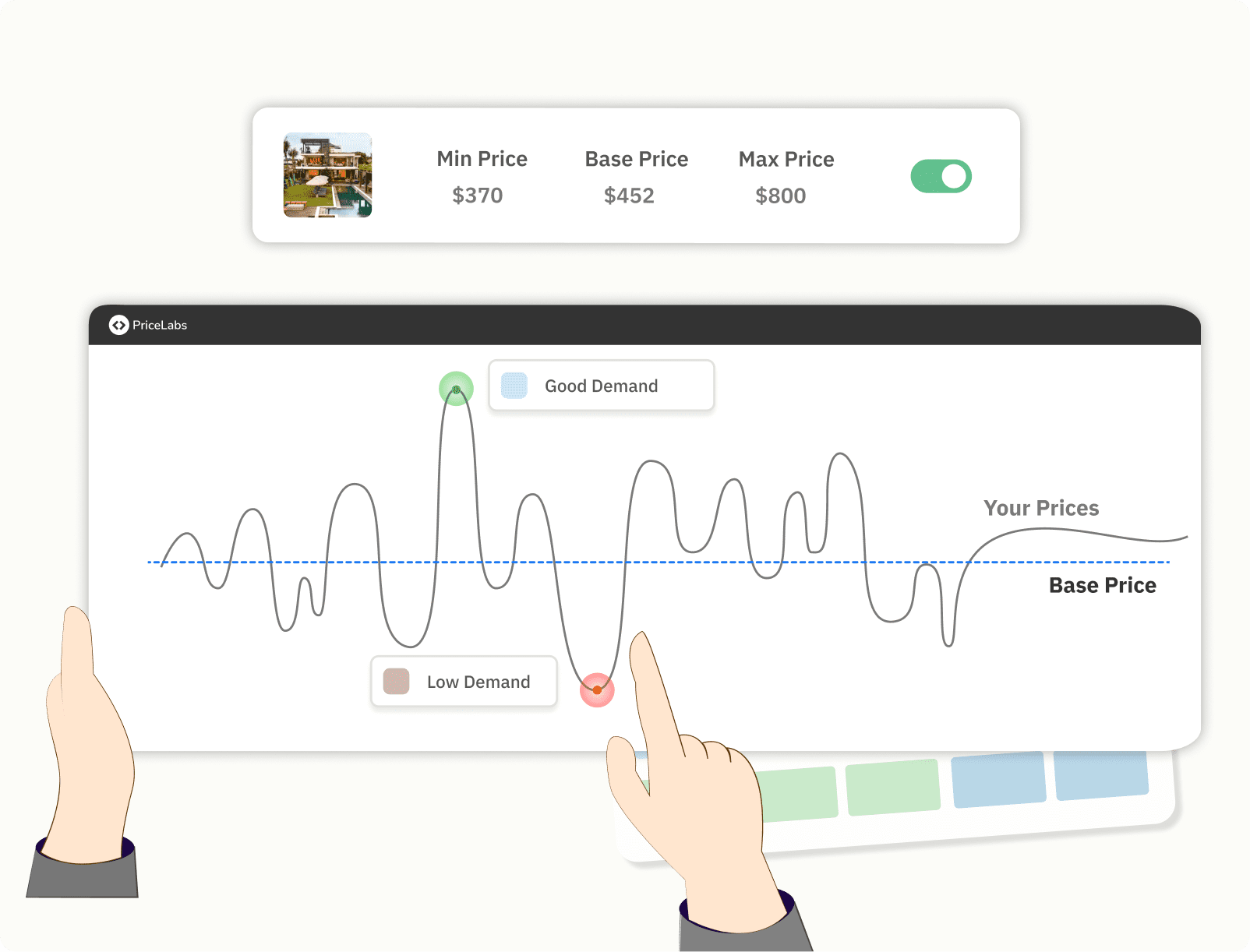
A quick three-step setup:
- Analyze past occupancy and revenue: Identify your ADR and occupancy sweet spot over the last 6–12 months, paying special attention to booking pace by lead time.
- Benchmark against local comps: Compare amenities, location, and quality; note top competitors’ ADR by season and day of the week.
- Set and input the base: Enter the initial base price into your pricing tool (and review monthly). This keeps the model aligned with reality and prevents underpricing when demand spikes.
PriceLabs provides portfolio-level base price recommendations and nudges, plus customizations for property managers to fine-tune listing-level nuances at scale.
Connect and Integrate Dynamic Pricing Tools with Your PMS
A property management system (PMS) is your command center for bookings, rates, guest communication, and automations across channels. For pricing to work in high season, your PMS and pricing engine must sync instantly—API connections push updates in real time, whereas iCal imports can lag 15–30 minutes and introduce errors and missed yield.

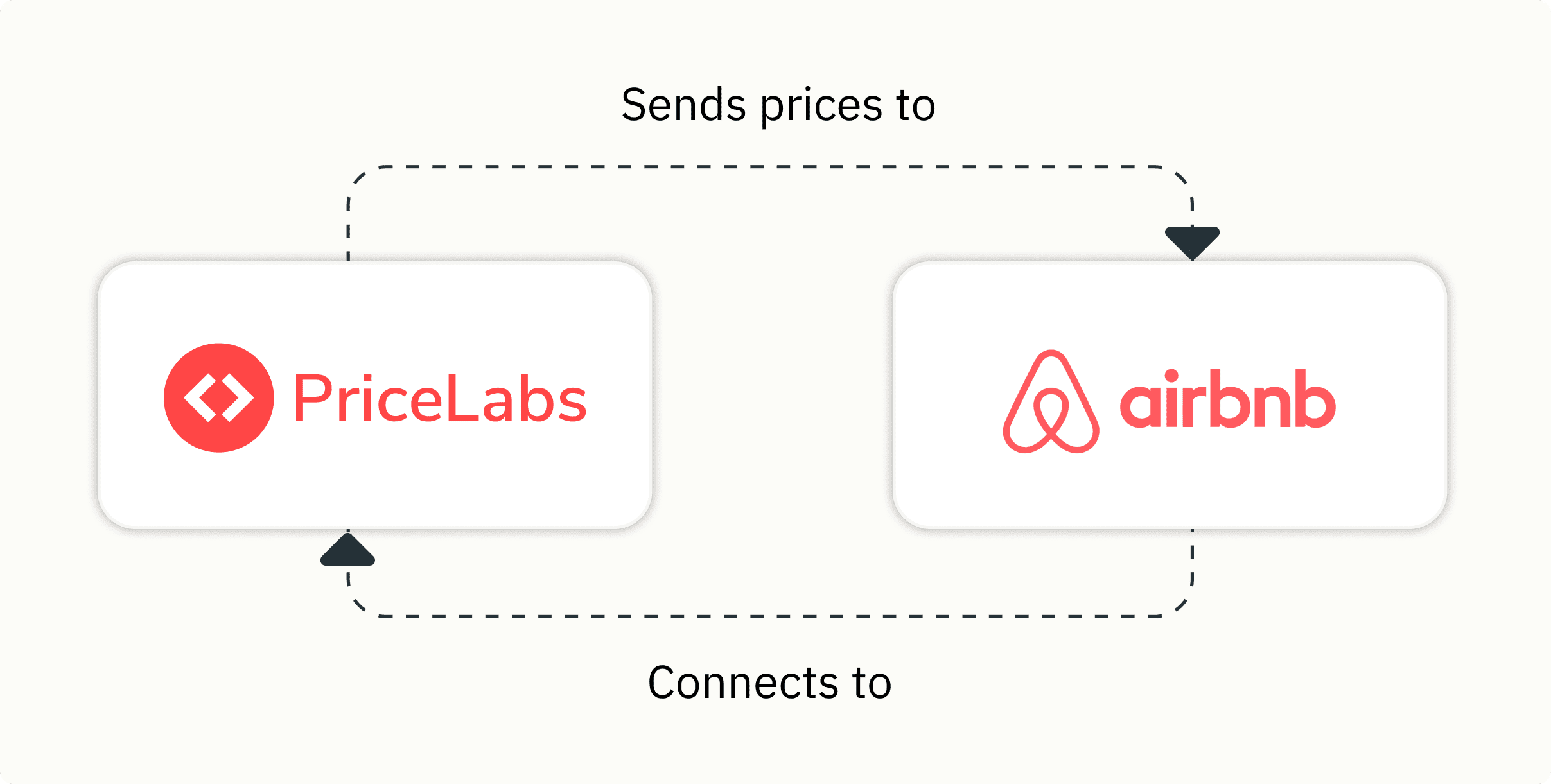
Build a smart stack:
- Core integrations: Vrbo, Airbnb, Booking.com, PMS/channel manager, accounting, payments, cleaning, and maintenance tools.
- Prefer APIs: Real-time updates keep your calendar and pricing aligned across channels.
- Unify operations: A connected “smart stack” (PMS + dynamic pricing + automation) centralizes data and workflows for speed and control.
How to connect PriceLabs (or any dynamic pricing tool) to your PMS:
- Confirm your PMS supports a two‑way API for pricing and availability.
- In your pricing tool, authenticate the PMS and select the properties to import.
- Map listings to Vrbo and other channels; verify currency, taxes, and fees.
- Set your base price, min/max rates, and core rules; preview price recommendations.
- Enable sync and run a sanity check on a 30–60 day window.
- Monitor the first 48 hours for successful pushes and correct the rate display on Vrbo.
What about Vrbo’s built‑in pricing? Vrbo Rate Automation offers a lightweight, first‑party option for dynamic updates, but third‑party engines like PriceLabs typically provide deeper market data, richer rule sets, and true multi‑channel coverage—key advantages when managing complex, multi‑unit portfolios.
For Vrbo‑specific setup tips and guardrails, see the PriceLabs Vrbo pricing tool guide.
Configure Seasonal and Event-Based Price Adjustments
Seasonality and events are the main drivers of high‑season surges. Enable seasonality/event modules so your engine can automatically apply premiums for holidays and local happenings and taper rates post‑event. Leading tools let you set advanced, customizable rules—min/max rate caps, weekend and holiday premiums, and orphan-night strategies—so pricing remains aligned with your brand and margins.
Key configuration options:
- Minimum and maximum nightly rates: Protect brand positioning and prevent both underpricing and runaway premiums.
- Weekend and holiday premiums: Capture higher demand on Fridays/Saturdays and during public holidays and school breaks.
- Orphan-night discounts: Orphan nights are short gaps between adjacent bookings; apply modest discounts to fill them and lift stay-through occupancy.
- Lead‑time pricing: Add far‑out premiums and last‑minute markdowns to balance risk and fill rates.
- Length‑of‑stay rules: Require longer stays during peak weeks to reduce turnover costs.
Common rule scenarios and typical impact:
- Holiday/peak premiums (+15–50%): Monetizes compressed demand windows.
- Weekend uplift (+10–25%): Matches stronger short‑break demand.
- Orphan‑gap discount (−5–20%): Boosts occupancy without training guests to expect blanket discounts.
- Last‑minute markdown (−10–25% inside 3–7 days): Improves sell‑through when pace lags.
- Far‑out premium (+5–15% >60–90 days): Captures early planners willing to pay.
For deeper tactics, explore PriceLabs’ event-based pricing playbook for step‑by‑step rules and examples.
Automate Guest Communication and Operational Workflows
During surges, speed and consistency in guest communications protect your reviews and reduce back‑and‑forth. AI guest‑communication tools now automate replies and scale messaging across Vrbo, Airbnb, Booking.com, email, WhatsApp, and SMS—keeping response times fast even as volume spikes. A unified inbox consolidates guest messages across channels in one dashboard, making it easier for your team to track context and SLAs.
Recommended automations:
- Instant confirmations and tailored welcome messages with house specifics.
- Pre‑arrival and check‑in instructions triggered by payment and ID verification.
- Scheduled nudges for reviews, balance reminders, parking/amenity details, and quiet hours.
- Escalation rules for urgent issues (e.g., lockouts) to on‑call staff.
Schedule Maintenance and Staffing for Peak Demand
Operational readiness keeps five‑star reviews flowing when occupancy peaks. Use PMS‑integrated cleaning, staffing, and maintenance tools that auto‑create and assign tasks at checkout to avoid gaps and rework. Modern platforms function as true command centers—syncing bookings with operational schedules so you avoid bottlenecks during surges.
Vrbo’s longer average booking lead time—around 47 days in reported data—also helps predict cash flow and build advance staffing plans for high season.
Peak‑period maintenance checklist:
- Sync checkout times with cleaner calendars and set SLA alerts.
- Define staff thresholds by forecasted occupancy and surge weeks.
- Auto‑notify for supply restocks, safety checks, and mid‑stay cleans.
- Block preventive maintenance far out; protect top‑demand weekends.
- Track completion with photo proof and timestamps for accountability.
Monitor Performance and Optimize Pricing Strategies
High season isn’t “set and forget.” Monitor occupancy, RevPAR, ADR, booking pace, and pickup curves in your analytics dashboard, and run small, structured tests before scaling changes portfolio‑wide. Even with automation, retain manual overrides and custom rules for unique units, brand constraints, or local nuances, especially during special events and weather‑impacted periods.

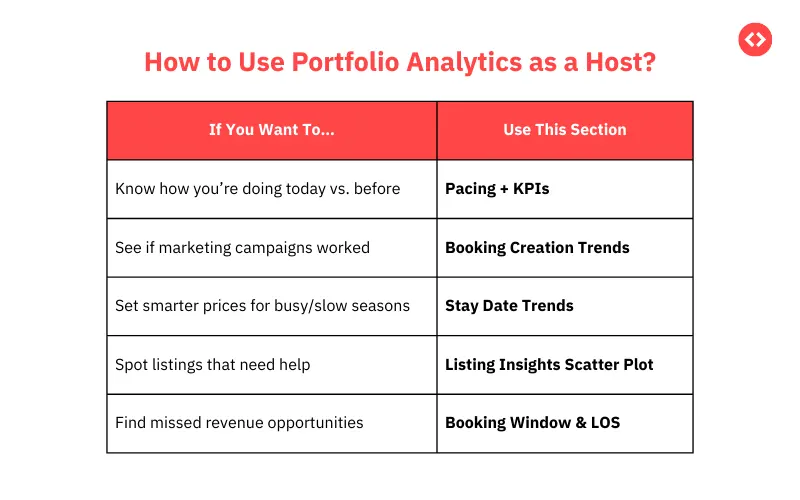
A simple review–test–refine loop after each surge:
- Measure: Compare forecast vs. actual ADR, RevPAR, occupancy, and pace by lead time; identify where you sold out too early or priced too low.
- Test: Trial small adjustments (e.g., +5% weekend premium, tighter min stays) in low‑risk windows for 2–4 weeks.
- Refine: Lock in wins; update base prices, min/max caps, and event rules before the next surge.
Frequently Asked Questions
What features are essential in Vrbo pricing software for managing high-season surges?
Look for real-time rates via API, AI that analyzes 100+ demand signals, event/seasonality detection, and customizable guardrails like min/max caps, weekend premiums, and LOS rules.
How do dynamic pricing tools improve my Vrbo revenue during peak periods?
They automatically raise rates as demand accelerates, maximizing nightly revenue while protecting occupancy with data‑driven adjustments.
What’s the difference between API and iCal connections for Vrbo pricing?
APIs push price and availability updates instantly; iCal can lag 15–30 minutes, risking sync errors and missed yield.
How can I automate guest messaging and operations during high-volume seasons?
Use a unified inbox and AI messaging to send instant confirmations, timed check‑in info, and smart reminders without overwhelming your team.
Should I monitor and adjust my pricing strategy after each high season?
Yes—post‑mortem analytics reveal where to tighten rules, update base prices, and fine‑tune surges for stronger results next time.