Get started with PriceLabs now!
Want to learn what PriceLabs can do for you? See for yourself with a free trial. Get started now!

Pricing mistakes rarely look like mistakes. A calendar that stays full can mean the rate is too low, and a rate set from last year's habits can leave dates empty. These eight are common ways Airbnb and Vrbo hosts leave revenue on the table.
Dynamic pricing tools adjust your nightly rates as the market moves, so you are not repricing dates by hand.

PriceLabs' algorithm takes into account:
PriceLabs uses those factors to recommend a rate for each night and syncs it to your channels. You can override any date.
One nightly rate for every day ignores how demand changes across the week. A Market Dashboard shows how your market's occupancy and prices vary by day of week. That is market data, not your listing's.
To see how your own rates compare, open the Future Prices chart in Neighborhood Data, which plots your daily prices against the neighborhood's percentile ranges, so you can see whether your price sits in the same part of the market range on weekends as on weekdays. PriceLabs builds day-of-week variation into its recommendations for each listing.
A new listing has less to show guests than established listings with reviews. Pricing at or slightly below comparable listings can help win the first bookings. Build a comp set in a Market Dashboard, which works before you have a listing in the area, to see what similar listings charge before you set your opening rate.
The opposite mistake is never raising your rate once the first reviews arrive. A listing whose occupancy runs well above the market's for the same dates may be priced below what guests will pay.
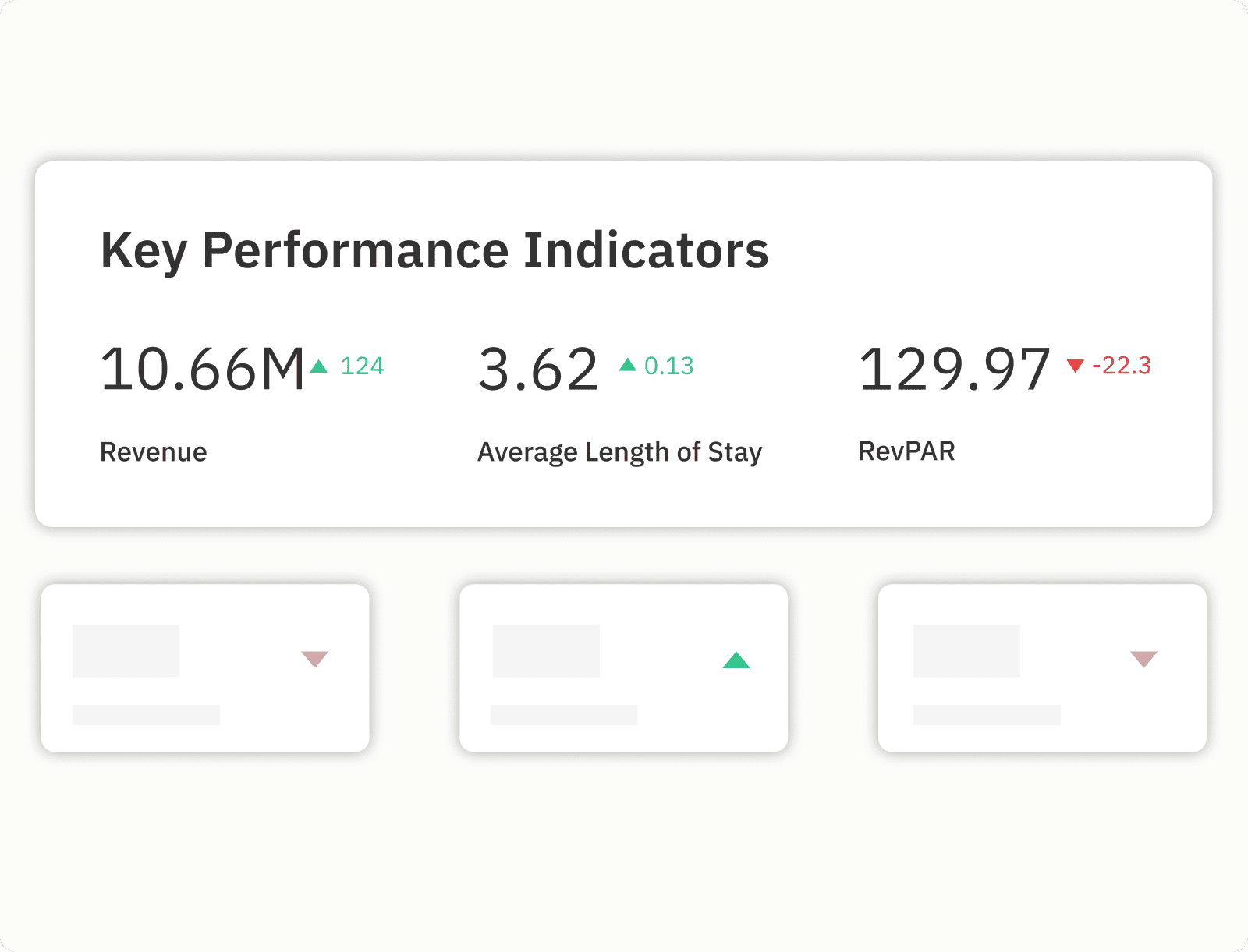
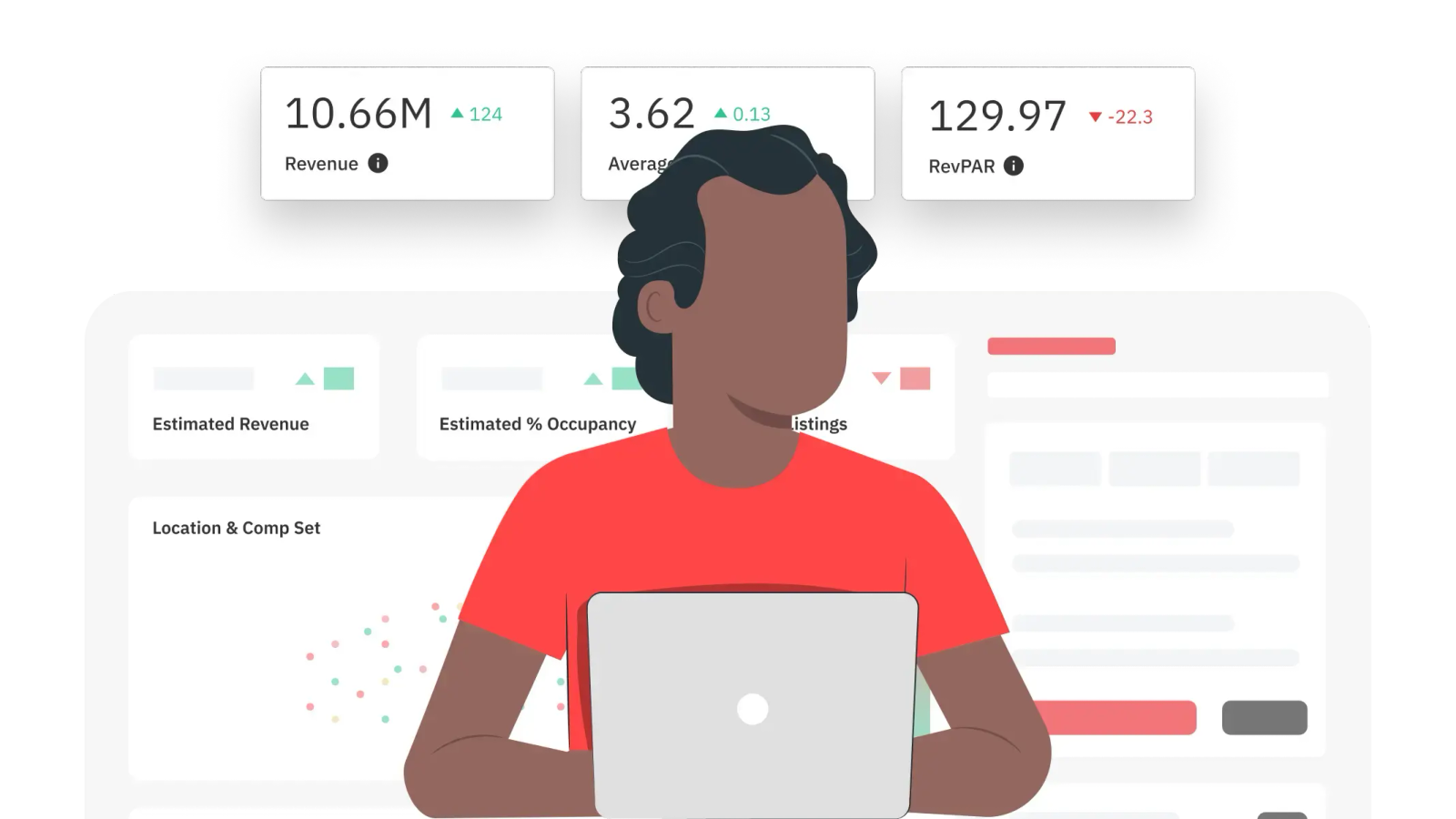
Performance Metrics in PriceLabs show your occupancy for the next 7, 30 and 60 days, and hovering over a metric shows market occupancy, so you can see whether your occupancy is running well above the market's.
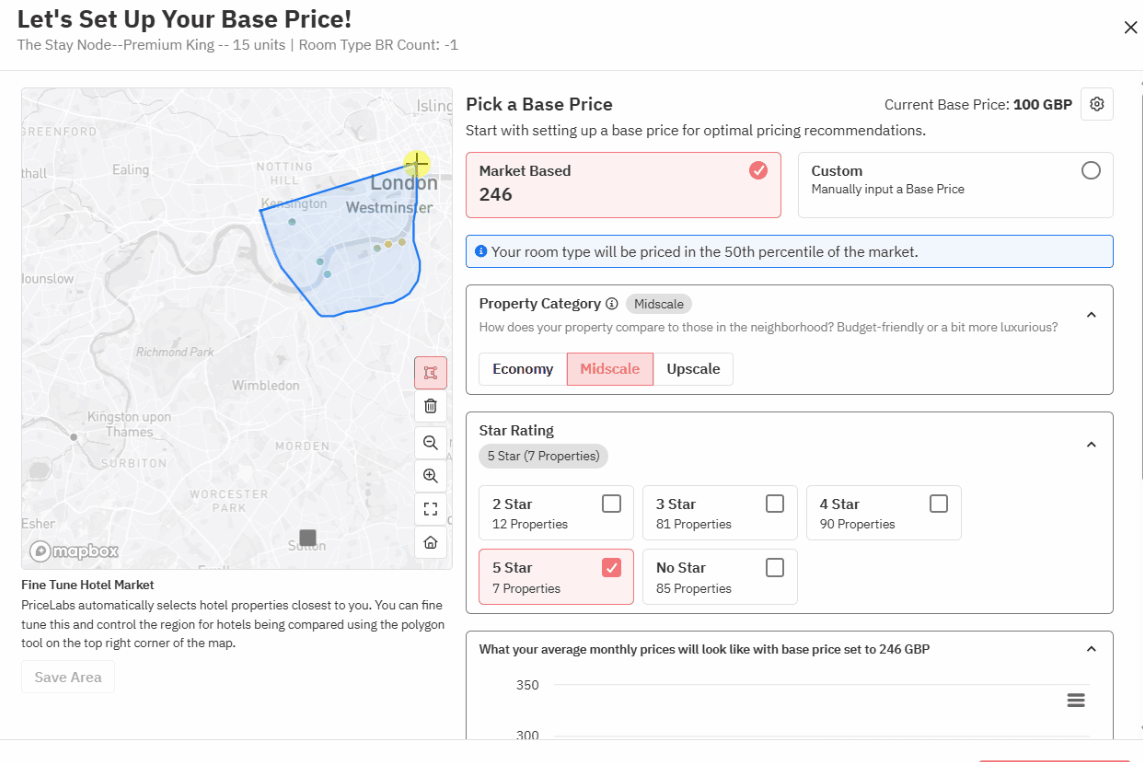
Base Price Help recommends a base price from your listing's performance and local market trends. Raise rates gradually and watch how booking pace responds.
Demand shifts with seasons, events and lead time, so a rate set once drifts out of date. PriceLabs applies a seasonality factor by default, and the seasonality customization lets you choose from No seasonality to Aggressive. It also adds a last-minute discount for dates close to arrival and a far-out premium, capped at 20%, for dates far in the future. Check that the seasonality setting matches how your market behaves and that the last-minute and far-out settings suit how far ahead your guests book. Review your base price periodically, ideally monthly.
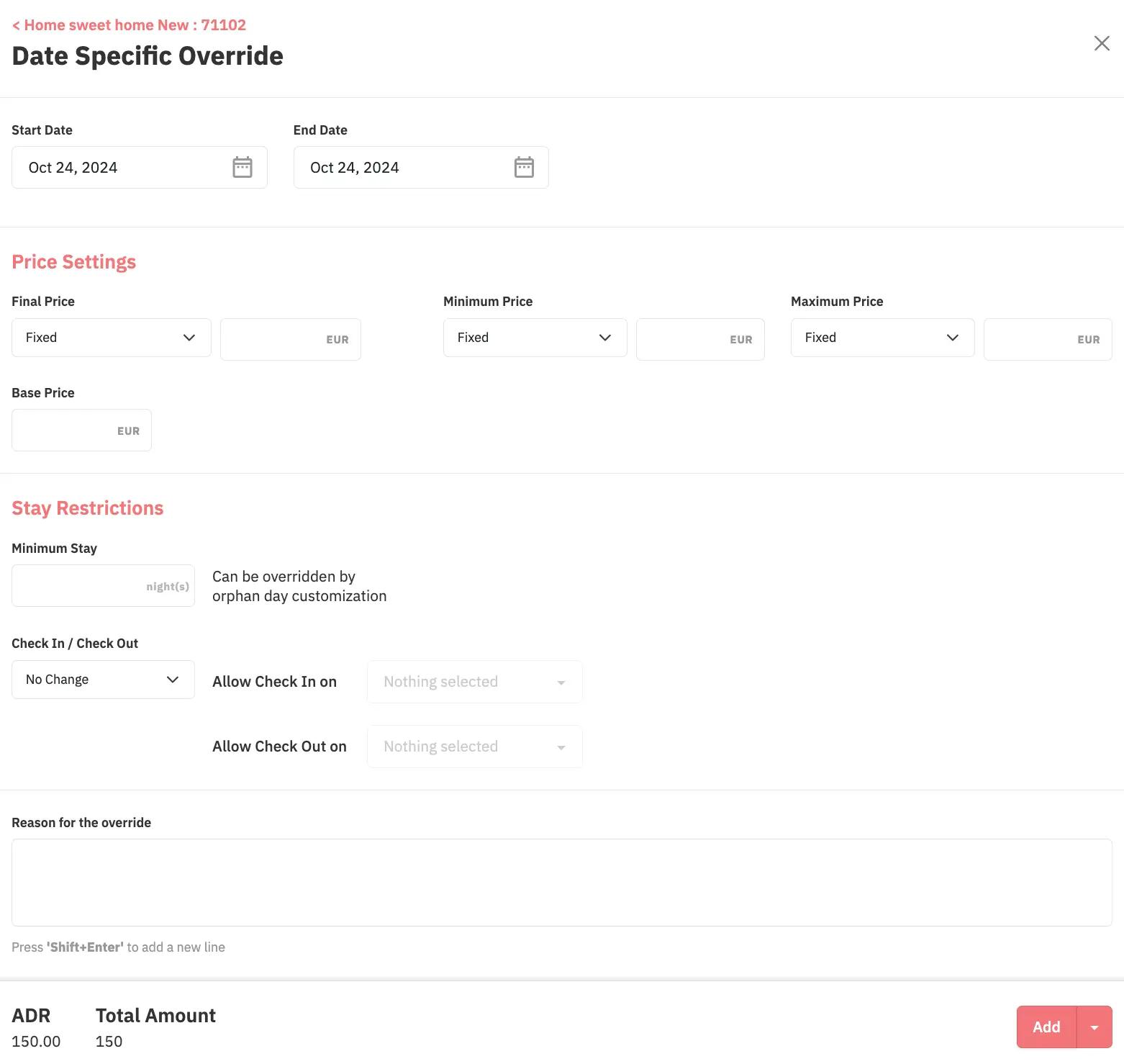
Guests often book early for high-demand dates, so an event you notice late can mean those dates sell at a normal rate. Check local event calendars in advance, use the Events and Holidays Calendar in PriceLabs, and add date-specific overrides for dates you know will be busy.
Check the booking window for your market in a Market Dashboard. It shows how far ahead guests book, so you know how early to raise rates for busy dates. Minimum stay rules for far-out bookings can also help you secure longer stays on those dates.
Discounts can overlap. PriceLabs already applies a last-minute discount and discounts one- or two-night gaps by 20% by default, so Airbnb's own early bird and last-minute discounts on top can discount the same dates twice. PriceLabs recommends removing Airbnb's early bird and last-minute discounts for that reason.
Guest requests for a discount deserve the same scrutiny. Before you agree, use the Competitor Calendar in Neighborhood Data to see what up to 10 similar listings charge for those dates, and check whether they fall on high-demand days.
Listing on more than one channel, such as Airbnb, Vrbo and Booking.com, widens your reach, but only if prices and calendars stay in step. PriceLabs syncs prices to your property management system or channels through direct integrations, not iCal. Calendars that are not synced can lead to double bookings, which mean cancellations and lost credibility with guests.
PriceLabs suggests reviewing your base price periodically, ideally monthly. Performance Metrics also show your occupancy for the next 7, 30 and 60 days against the market, so you can spot a problem between reviews.
Demand often differs by day of week. A Market Dashboard shows how your market's occupancy and prices vary by day of week, and the Future Prices chart in Neighborhood Data shows your own daily prices against the neighborhood's. PriceLabs builds day-of-week variation into its recommendations.
PriceLabs recommends removing Airbnb's early bird and last-minute discounts, because it already applies last-minute discounts and a far-out premium by default.
Want to learn what PriceLabs can do for you? See for yourself with a free trial. Get started now!