Get started with PriceLabs now!
Want to learn what PriceLabs can do for you? See for yourself with a free trial. Get started now!

Have you missed a booking or accidentally double-booked a guest? Well, you’re not alone! Managing availability across platforms like Airbnb, Vrbo, and Booking.com can become complicated. That’s where an organized vacation rental calendar comes in. Whether you’re a solo host or manage multiple properties, understanding and optimizing your calendar can significantly increase your occupancy and revenue.
In this guide, you’ll learn how to take control of your booking schedule with the right tools and syncing strategies. Plus, grab a free downloadable calendar template to simplify your scheduling from day one.
A vacation rental calendar is a visual tool that displays the availability of your property over a specific period. It allows you to manage bookings, block off dates, and synchronize availability across various platforms. This calendar is crucial for preventing double bookings, optimizing occupancy, and providing guests with accurate information.
Bonus: The Ultimate Guide to Vacation Rental Automation
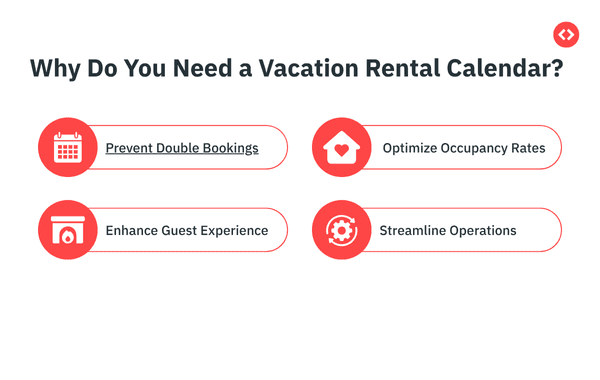
Managing listings on multiple platforms increases the risk of double bookings. A centralized calendar helps synchronize availability, reducing the chances of overlapping reservations.
By visualizing your bookings, you can identify gaps and adjust pricing or promotions to fill them, thereby maximizing occupancy.
An up-to-date calendar provides guests with accurate availability, reducing the likelihood of booking conflicts and enhancing trust.
A well-maintained calendar simplifies coordination with cleaning services, maintenance, and other operational aspects.
To help you get started, here’s a simple yet effective calendar template:
This template can be customized to fit your specific needs, whether you’re managing a single property or multiple listings across various platforms.
If you’re listing your vacation rental on more than one platform—such as Airbnb, Vrbo, and Booking.com—keeping your calendar up to date across all platforms is critical. That’s where calendar syncing comes in.
There are two common ways to sync calendars:
iCal (short for iCalendar) is a standard format that allows platforms to share calendar data. Most listing sites, including Airbnb and Vrbo, offer iCal export and import options, allowing availability to sync across platforms.
API syncing connects platforms through a direct, real-time data exchange. Tools like channel managers or property management systems (PMS) use this method to keep calendars instantly updated across all channels.
Tip: If you’re managing more than one listing or using multiple online travel agencies (OTAs), switching to API syncing through a channel manager or property management system (PMS) is worth it for the peace of mind and automation it offers.
Not every host needs a full-blown property management system. The best calendar setup depends on the size of your operation, the number of platforms, and the amount of time you want to spend managing bookings.
Select the setup that meets your current needs while also allowing for future growth. If you’re starting with one listing today, it’s still helpful to learn about more advanced options, you might scale sooner than you think!
While manual calendars are a great starting point, scaling your vacation rental business requires more sophisticated tools. PriceLabs offers dynamic pricing and revenue management solutions designed to optimize your calendar and maximize earnings.
PriceLabs’ dynamic pricing tool automatically adjusts your nightly rates based on real-time market data, including local demand, seasonality, and competitor pricing. This ensures you’re always competitively priced, attracting more bookings without leaving money on the table.

Gain insights into your local market with PriceLabs’ Market Dashboards. These dashboards provide data on occupancy trends, booking windows, and pricing strategies of similar listings in your area, helping you make informed decisions.
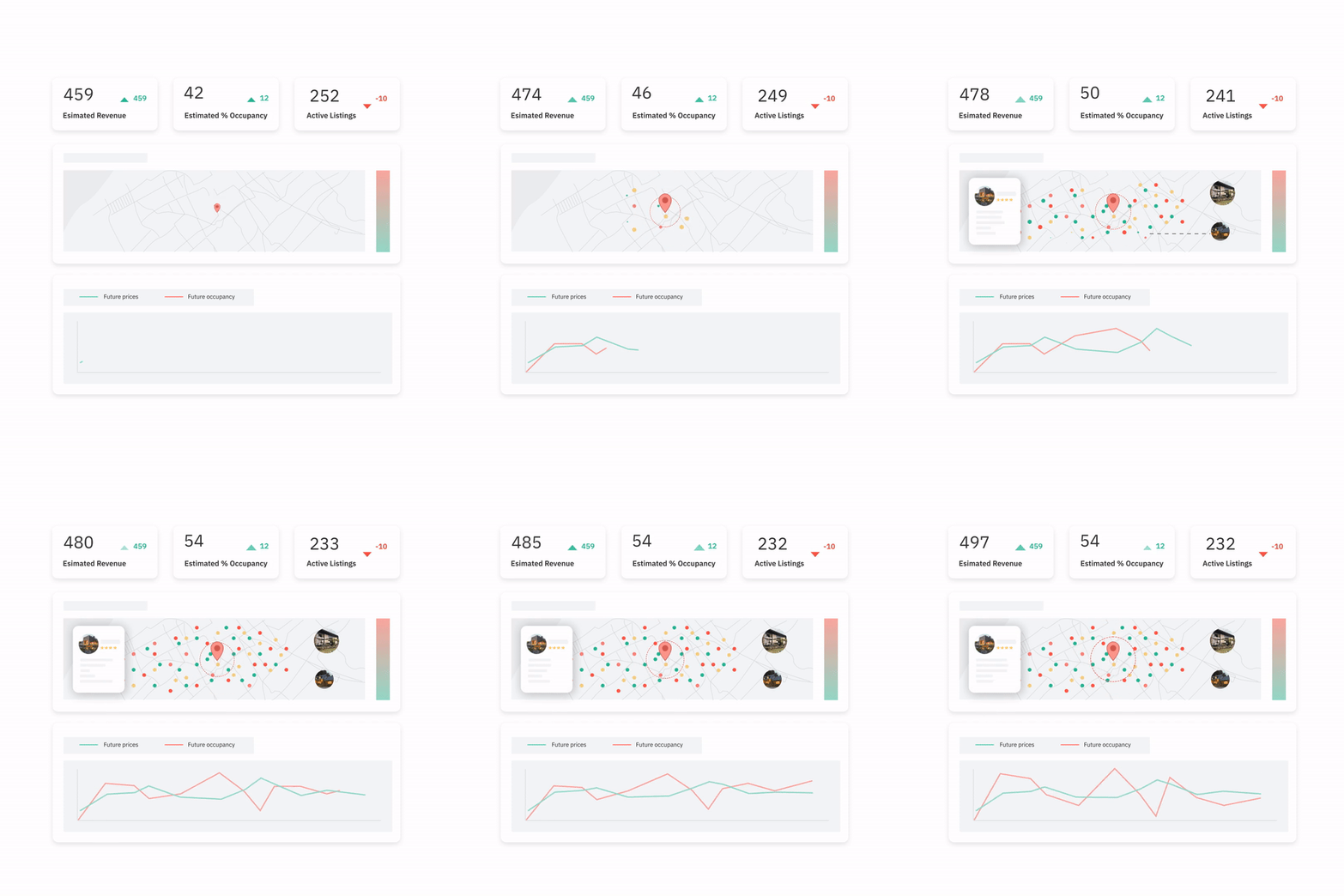
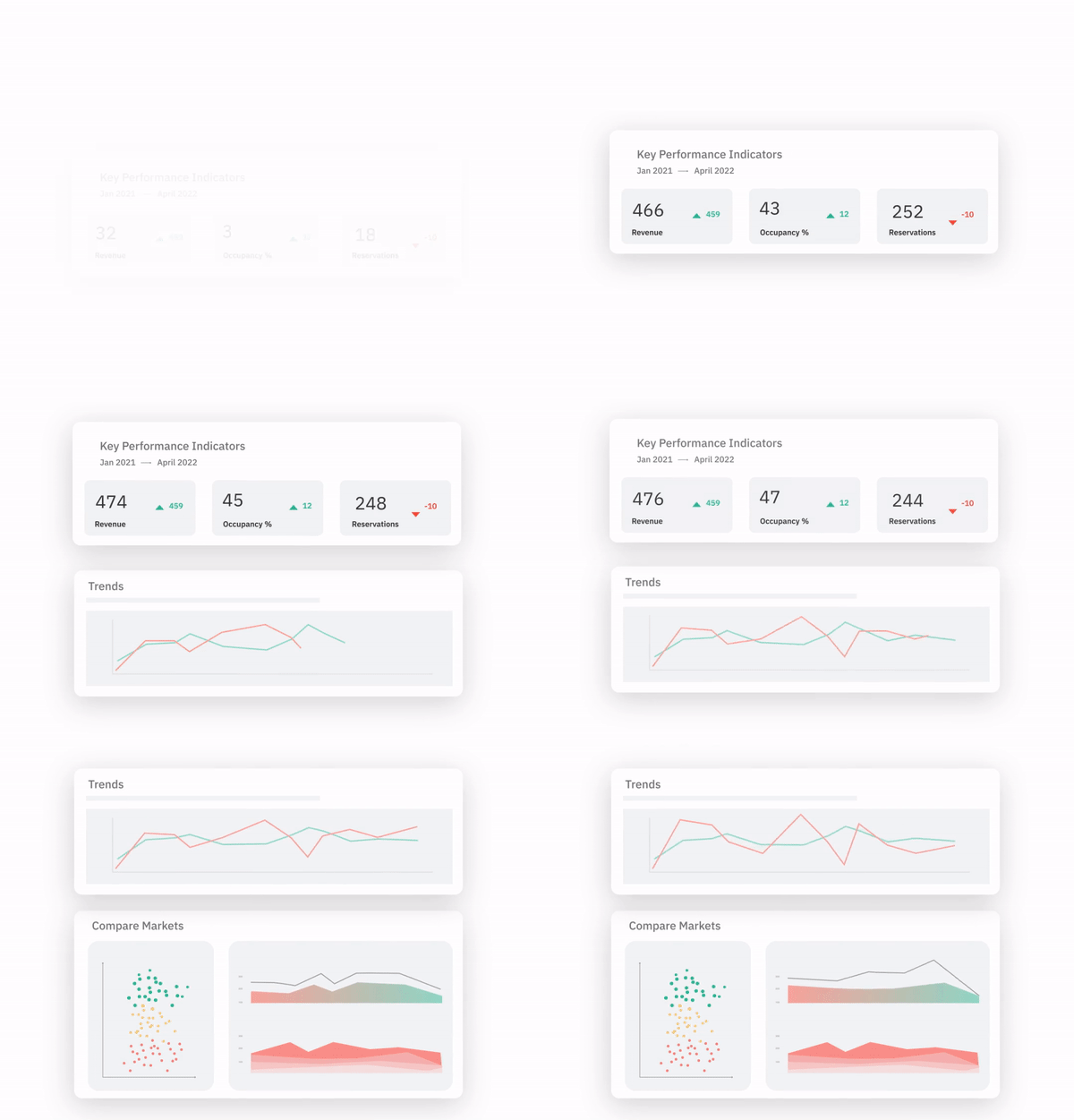
For property managers handling multiple listings, Portfolio Analytics offers a comprehensive view of your entire portfolio’s performance. Track key metrics like revenue per available night (RevPAN), occupancy rates, and booking patterns to identify opportunities for improvement.
PriceLabs allows you to set customized rules for minimum stays, last-minute discounts, and date-specific overrides. This enables you to adjust your pricing and strategies to align with your business goals and market conditions.
Managing listings across multiple platforms can become difficult at times. PriceLabs integrates with over 150 property management systems (PMS) and channel managers, ensuring your calendars are always synchronized. This reduces the risk of double bookings and streamlines your operations.
You can monitor your calendar’s performance in real-time. PriceLabs gives visual graphs and metrics. It also enables you to quickly assess the effectiveness of your pricing strategy and make necessary adjustments.
PriceLabs’ automation features save you time by handling routine tasks. Set it and forget it—once your rules and preferences are in place, the system continuously optimizes your calendar without constant manual intervention.
An organized vacation rental calendar plays a significant role in your success in the short-term rental (STR) market. You can build a solid foundation using a free template, but using tools like PriceLabs can help your efficiency and profitability.
By integrating dynamic pricing, market insights, and automation, you can stay ahead of the competition and ensure your vacation rental business thrives.
For keeping this calendar in sync across platforms specifically, see our guide to syncing your Airbnb and Vrbo calendars.
For handling minimum-stay rules dynamically once your calendar is under control, see our guide to dynamic minimum stays.
Want to learn what PriceLabs can do for you? See for yourself with a free trial. Get started now!