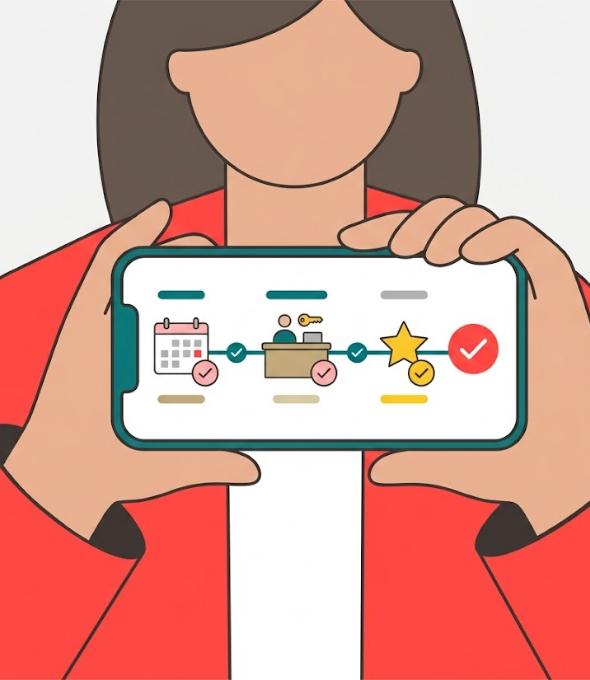
Connect BedLink With PriceLabs
Stop manual pricing! Sync PriceLabs with BedLink to automate your rates.
About BedLink: One Place to Run Everything. Simply.
A booking lands on Airbnb and the dates close at once on Booking, Vrbo, and the owner’s own site.
Guests pick their dates, pay by card, and the deposit is held: just like Airbnb, minus the commission.
Placed 5 days before check-out and released 2 days after, with nothing charged if nothing is damaged.
Confirmation, door code, and review request are written once, and the AI drafts the reply for everything else.
Key Benefits of Using BedLink And PriceLabs
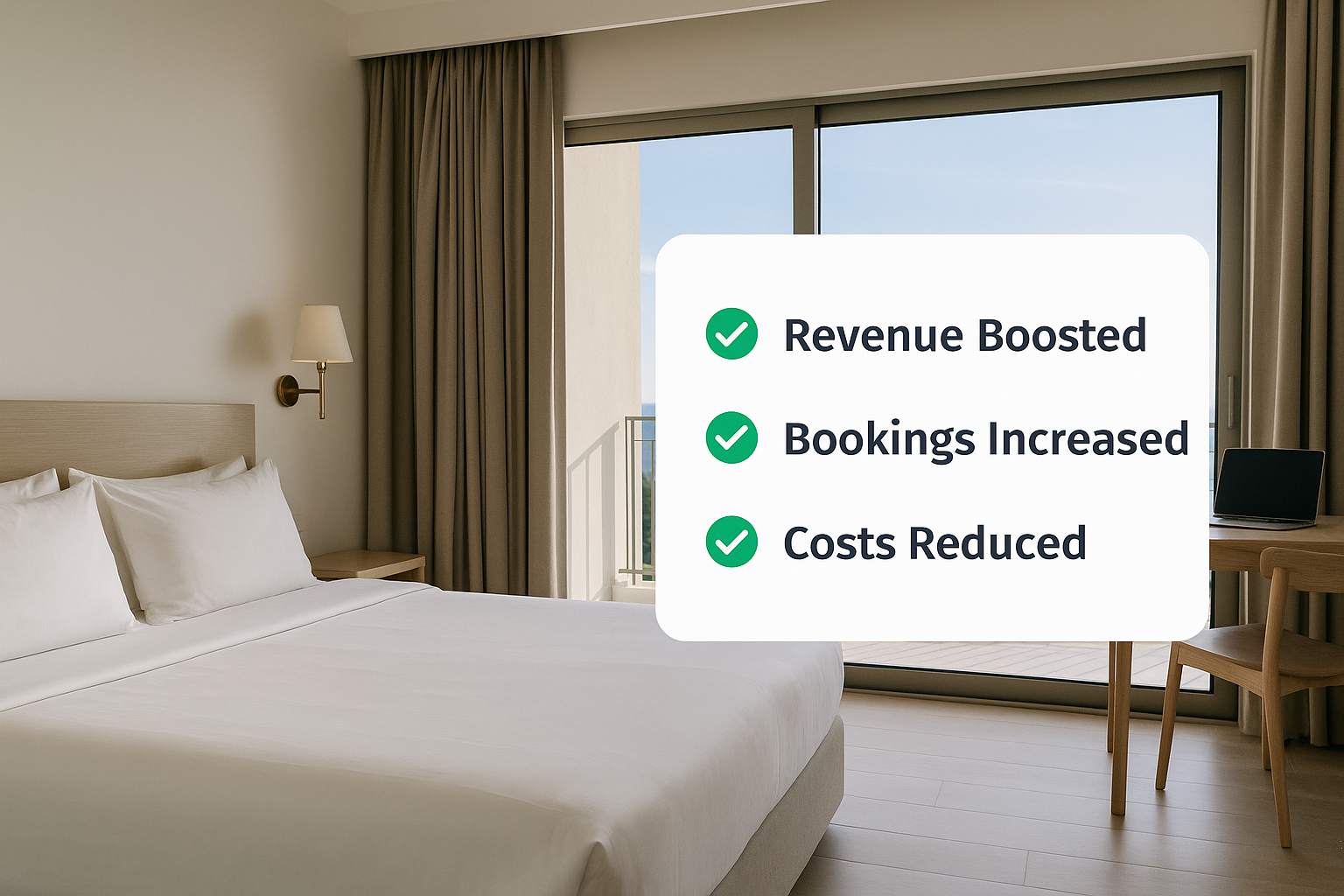
Maximize direct booking profits by automatically syncing PriceLabs' dynamic, real-time pricing straight to your BedLink website.

Set and update far-out prices to capture premium bookings. Available up to 365 days ahead.

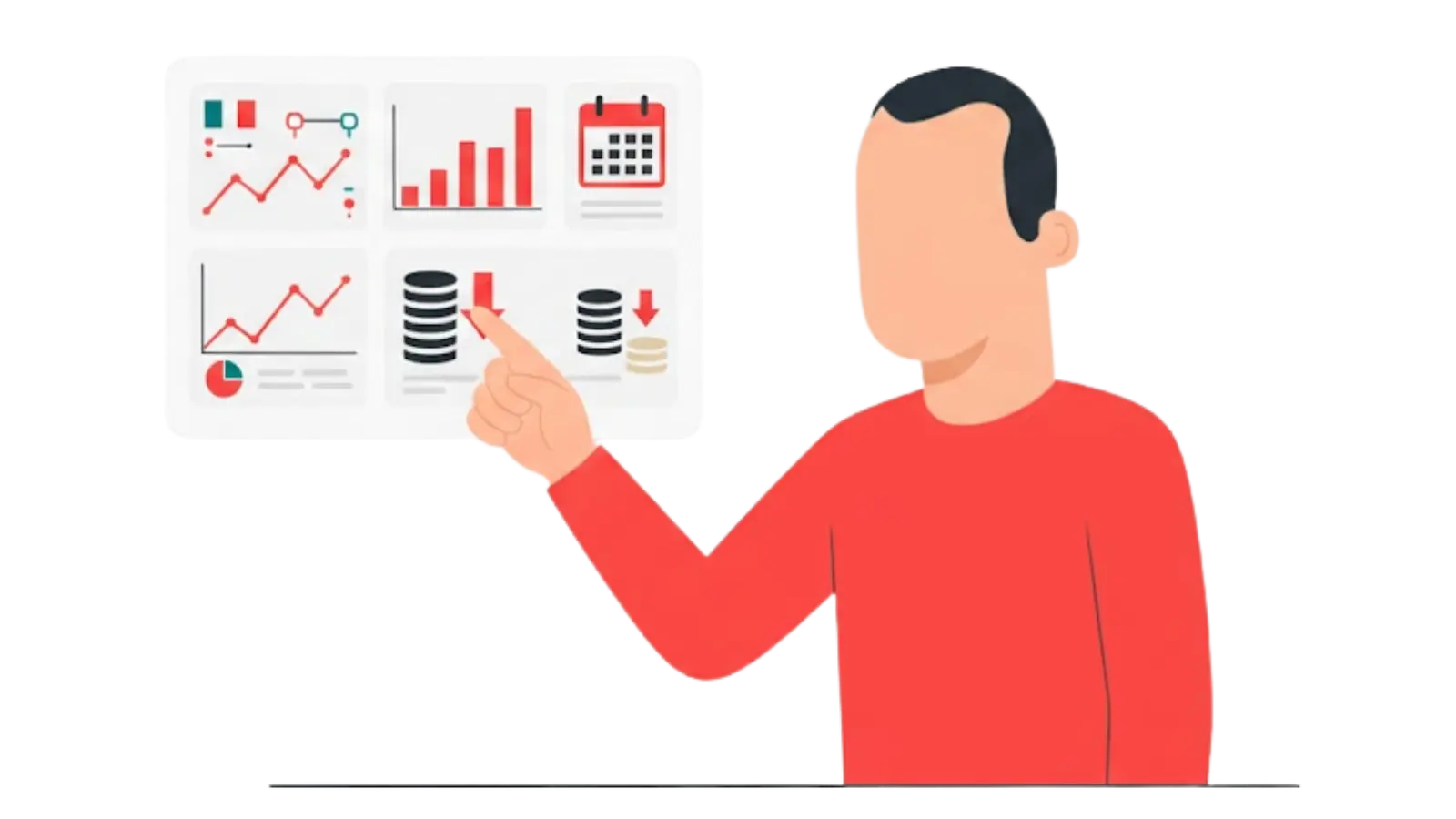
Track portfolio performance, compare markets, and uncover revenue opportunities with data-driven insights.

Create and save minimum stay rules, then apply them across listings, groups, accounts, or seasons in just a few clicks.

Sync your bedroom count automatically from your PMS for accurate local market comparisons and pricing recommendations.

Control arrival and departure days with flexible rules tailored to demand, operations, and booking patterns.
Compared to other price optimization services, PriceLabs offers a wide spectrum of functionalities. My company manages 100+ Airbnb rentals. After our partnership with PriceLabs, we’ve seen a big increase in revenues and a smaller workload for us.
Getting Started Is Simple
Follow the steps below to connect BedLink with PriceLabs and start syncing optimized rates.
Connect your BedLink account to PriceLabs
Configure Your Dynamic Pricing Rules
Watch your nightly rates update automatically
Resources To Get You Started
Discover actionable tips to elevate your guest experience and boost revenue.

Get Started with Dynamic Pricing