Connect ClickBooking With PriceLabs
Stop manual pricing! Sync PriceLabs with ClickBooking to automate your rates.
About ClickBooking.Online: Unlock a World of Accommodations

An extensive collection of cabins, villas, and apartments to suit every preference and budget.
Every listed property is handpicked and rigorously vetted for cleanliness, safety, and comfort.
A team of travel experts is ready to help find the perfect place to stay, just a message away.
A straightforward booking process with no hidden fees — what's shown is exactly what's charged.
A wide network of properties across some of the world's most sought-after destinations.
Key Benefits of Using ClickBooking And PriceLabs
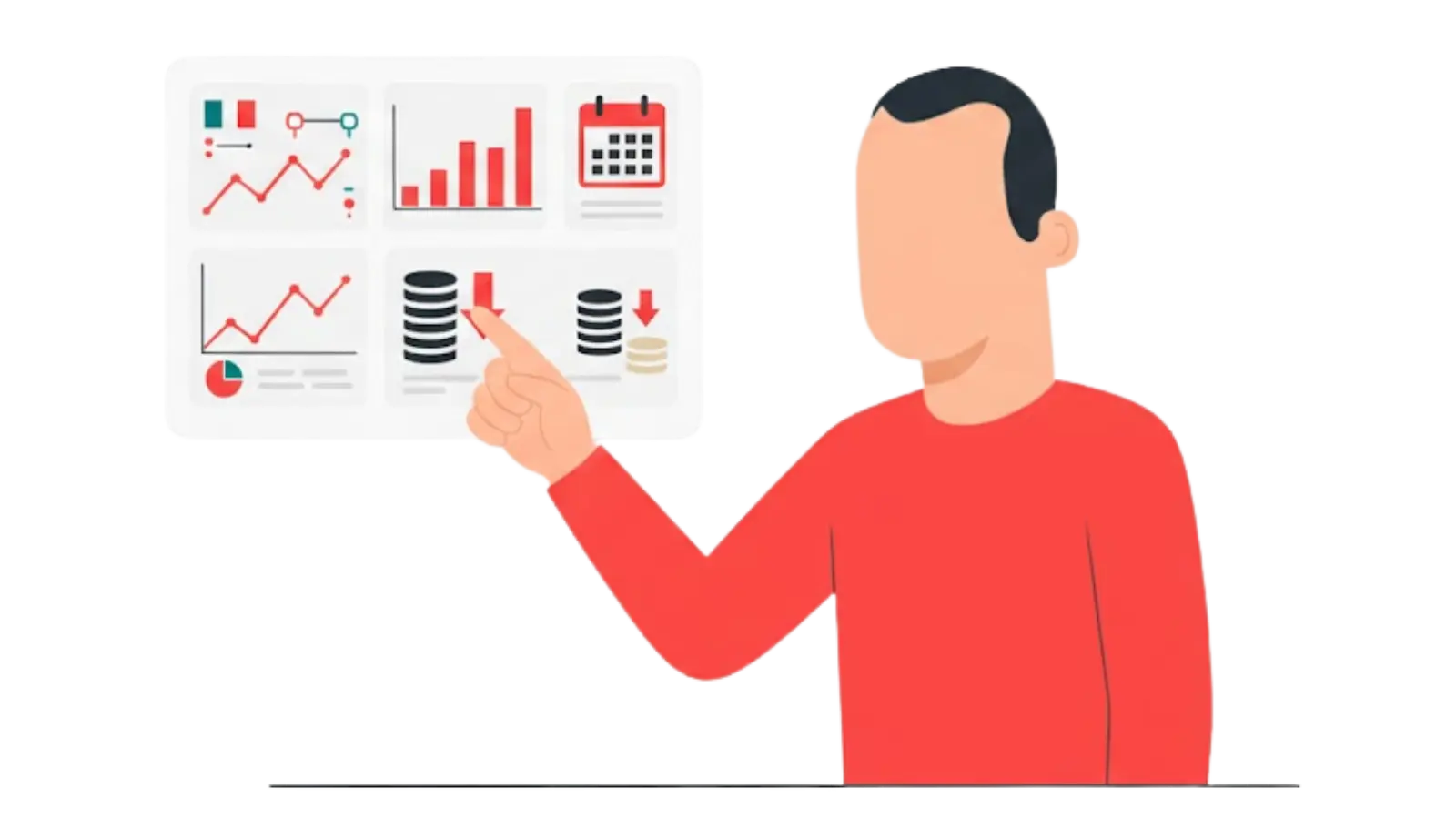
Maximize direct booking profits by automatically syncing PriceLabs' dynamic, real-time pricing straight to your ClickBooking website.

Set and update far-out prices to capture premium bookings. Available up to 720 days ahead.

Sync your bedroom count automatically from your PMS for accurate local market comparisons and pricing recommendations.
Link similar units in the same building to centralize pricing, guarantee exact rate parity across listings, and automatically lower billing costs
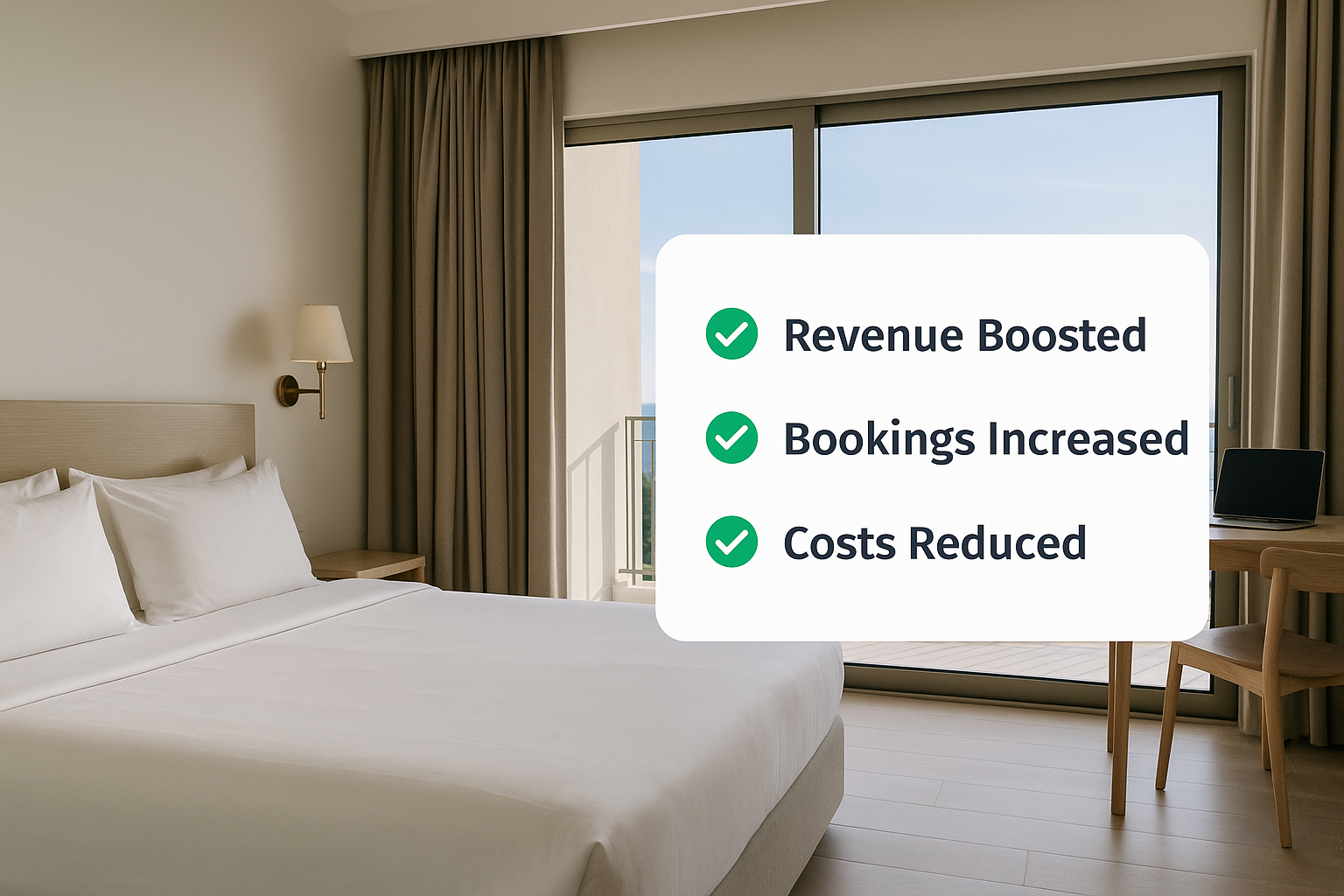
Compared to other price optimization services, PriceLabs offers a wide spectrum of functionalities. My company manages 100+ Airbnb rentals. After our partnership with PriceLabs, we’ve seen a big increase in revenues and a smaller workload for us.
Getting Started Is Simple
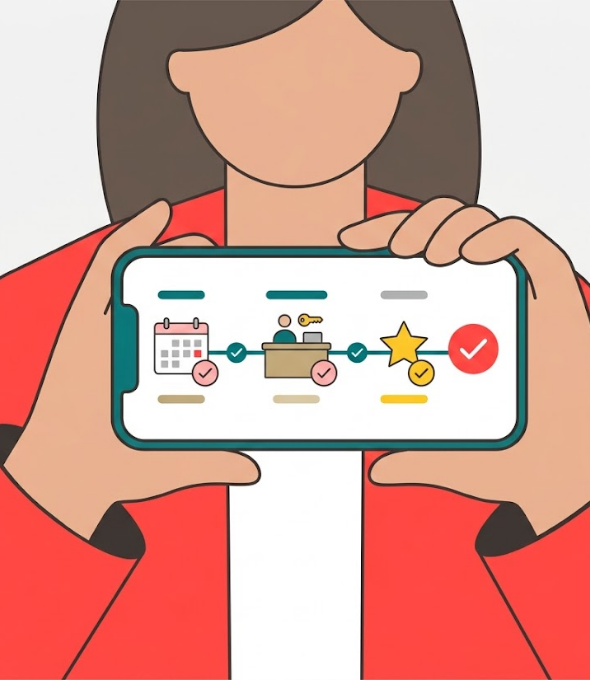
Follow the steps below to connect ClickBooking with PriceLabs and start syncing optimized rates.
Connect your ClickBooking account to PriceLabs
Configure Your Dynamic Pricing Rules
Watch your nightly rates update automatically
Resources To Get You Started
Discover actionable tips to elevate your guest experience and boost revenue.

Get Started with Dynamic Pricing