Get started with PriceLabs now!
Want to learn what PriceLabs can do for you? See for yourself with a free trial. Get started now!

PriceLabs delivers powerful automation right out of the box, helping you optimize a guide to dynamic pricing for vacation rentals effortlessly. Whether you’re a property manager curious to test a few customizations or a revenue manager fine-tuning every detail, PriceLabs empowers you to run your business your way. New to the platform? This step-by-step setup guide walks through getting dynamic pricing running for the first time.
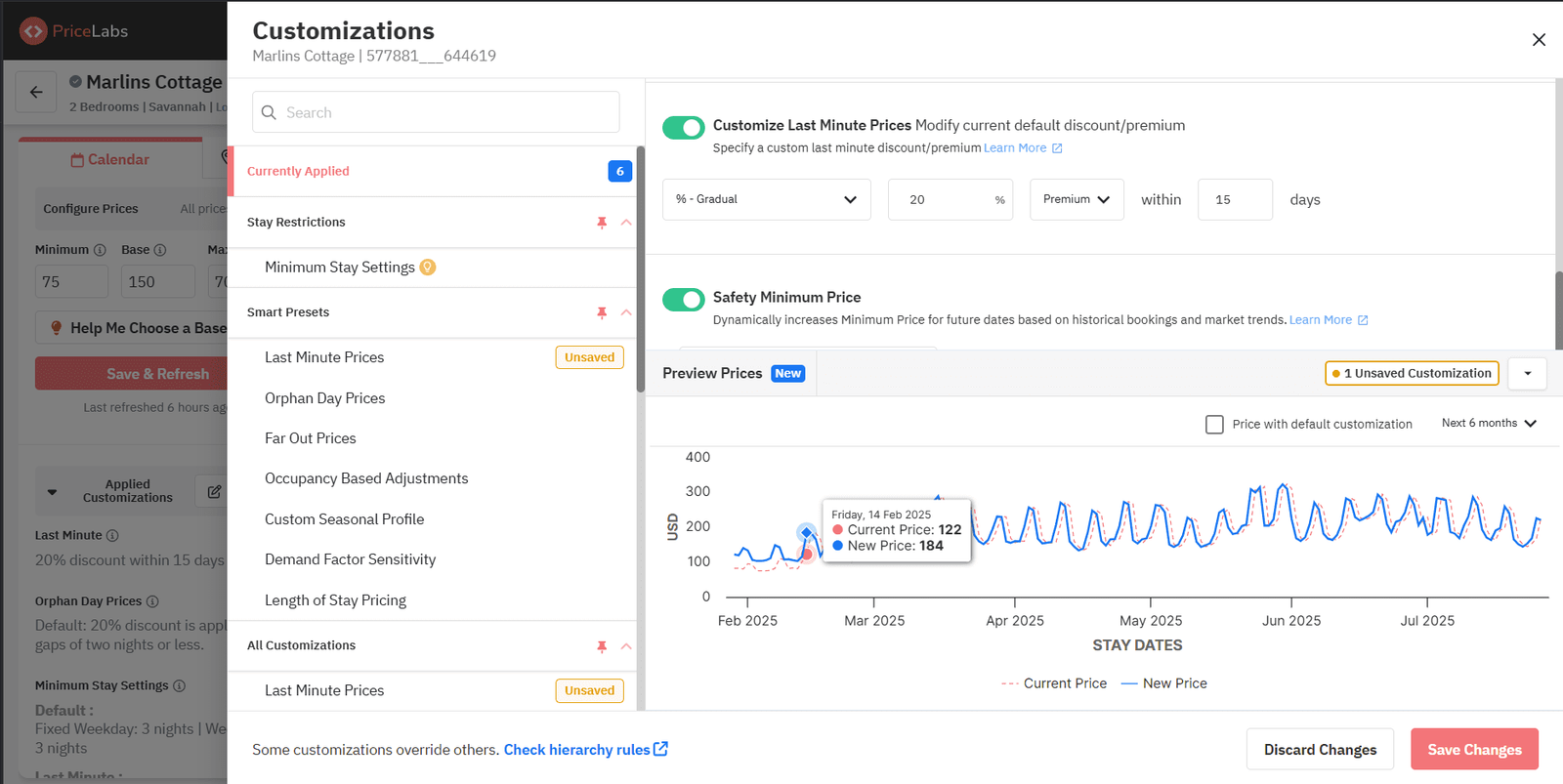
PriceLabs’ algorithm handles pricing automatically, but customizations let you align it with your unique business needs—whether adjusting for owner requests, seasonality, or specific goals. For a deeper look at unlocking the full power of these customizations, this is a good place to start.
Best practices when applying customizations: Not sure where to begin? The ten customizations most hosts rely on is a good starting checklist. If you're managing just a handful of listings, here's how dynamic pricing software specifically cuts manual work for small hosts.
Why it matters:
Customize as much or as little as you like—without worrying about errors. Learn more If you want the daily pricing itself handled automatically, see these tips on automating your daily pricing without losing rule control.
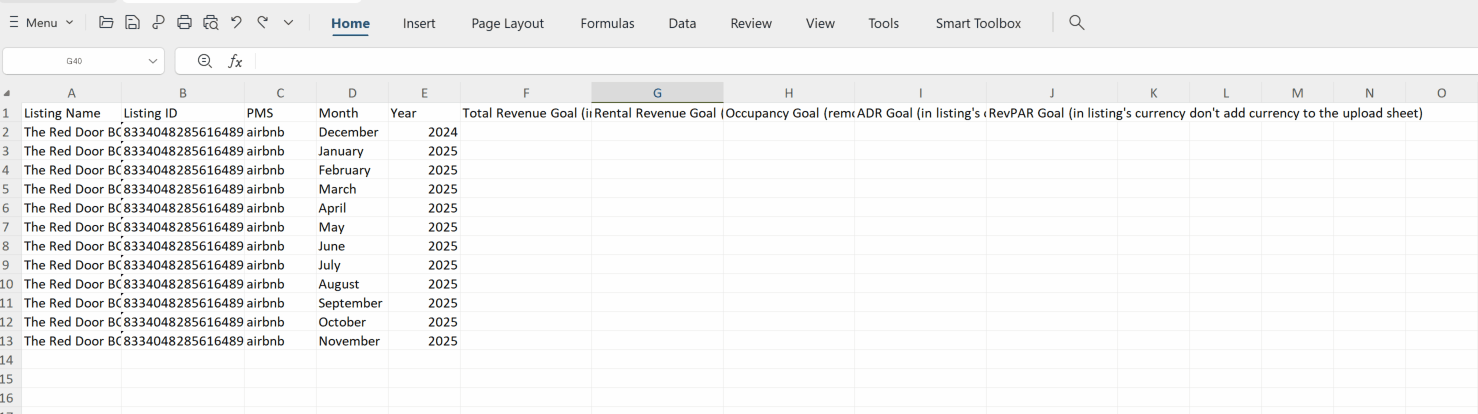
PriceLabs’ pre-built reports provide valuable insights, but setting your own goals helps you track progress your way. Tracking progress against goals, rather than trusting your strategy instead of constantly overriding it, is often the harder discipline to build.
Best practices:
This pairs naturally with strategies to get longer vacation rental stays and maximize revenue.
Why it matters:
Tracking goals helps you stay focused and hit key performance milestones. Learn more
PriceLabs provides comprehensive market data, but you can customize it to compare against just the right competitors for sharper insights. This is essentially what makes PriceLabs a genuine pricing intelligence tool rather than just a rate calculator.
Best practices:
Why it matters:
Accurate benchmarking helps you stay ahead and make data-driven decisions. Learn more
PriceLabs works for everyone—whether you let automation take the lead or customize for precision. For more on customizing smartly while letting automation do the heavy lifting, this is worth a read.
Ready to take control? Start exploring today.
Want to learn what PriceLabs can do for you? See for yourself with a free trial. Get started now!