
Get started with PriceLabs now!
Want to learn what PriceLabs can do for you? See for yourself with a free trial. Get started now!

Setting the right price on Airbnb can feel like a moving target. With new listings popping up daily, seasonal shifts, and fluctuating demand, even experienced hosts sometimes struggle to stay competitive. That’s where a smart Airbnb comparison tool becomes your best ally.
In this article, we’ll break down why price comparison matters, how to go beyond Airbnb’s basic tools, and how PriceLabs empowers hosts with deeper, data-driven insights. Whether you’re just getting started or scaling a portfolio, mastering price comparisons will help you optimize occupancy, boost revenue, and stay ahead of the competition.
Bonus: Short-Term Rental Analytics & Market Data: The Complete Beginner’s Guide
Your price is one of the first things potential guests notice—often before they even look at your photos or read your description.
Here’s why pricing strategy matters more than ever:
Bottom line: You can’t set and forget your rates. You need a consistent Airbnb price comparison strategy that adapts to your market.
While Airbnb offers basic filtering and sorting options, they’re not designed for in-depth competitive analysis. Here’s what you’re missing if you rely on Airbnb alone:
To make informed, revenue-maximizing decisions, you need more than just the Airbnb interface.
Some hosts still prefer a DIY approach. If you’re starting out or just exploring your market, you can try manual comparison. Here’s how:
However, this method is time-consuming and lacks market-wide insights. That’s where an Airbnb comparison tool like PriceLabs makes all the difference.
Manual tracking only scratches the surface. A professional-grade Airbnb comparison tool gives you:
Instead of guessing, you get actionable data and more bookings at the right price.
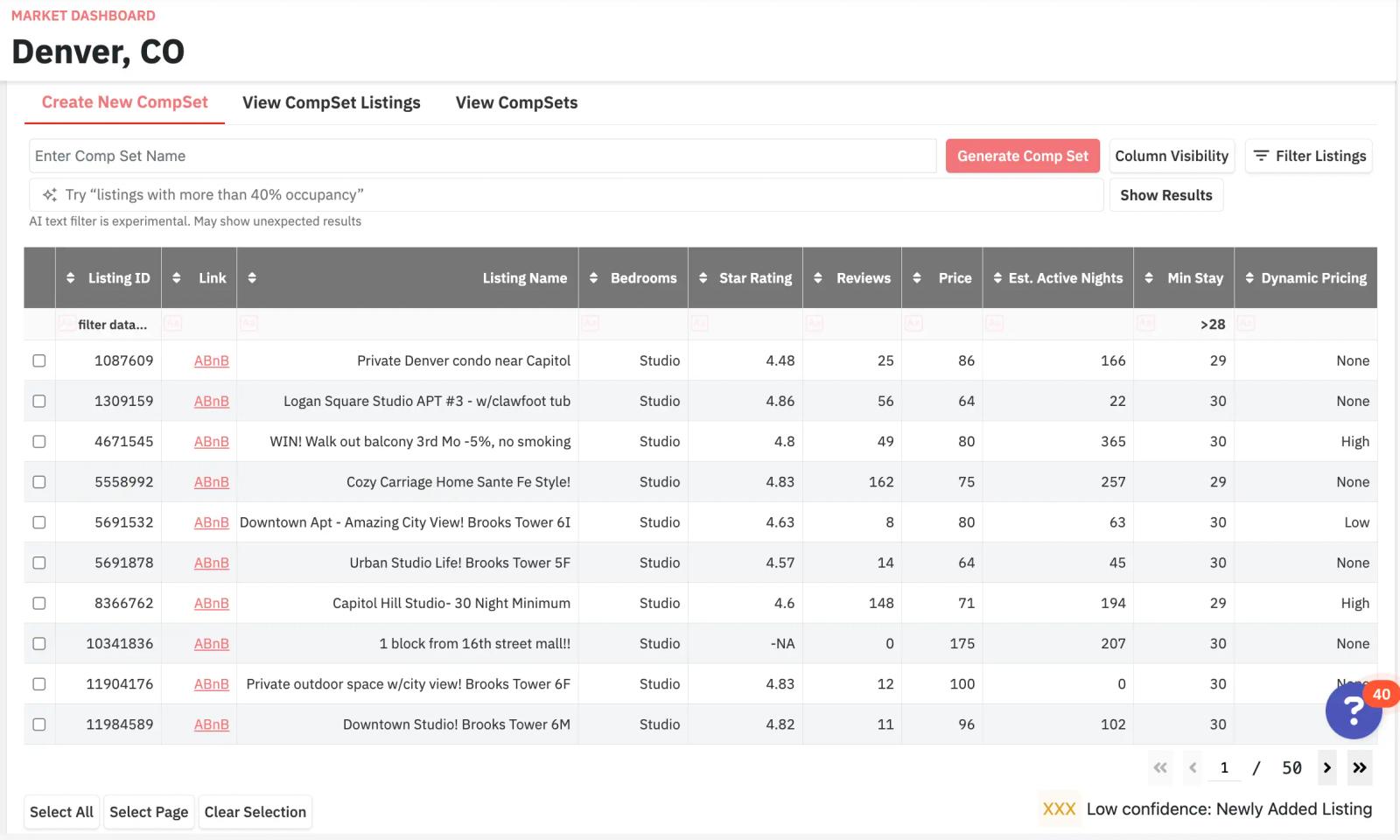
A Comp Set (short for “Competitive Set”) in PriceLabs is a curated group of listings that you manually select for performance benchmarking. Unlike generalized market data that aggregates all listings in a city or neighborhood, Comp Sets allow you to isolate the listings that most closely resemble your own property in:
From the PriceLabs dashboard:
You can select competitors using two methods:
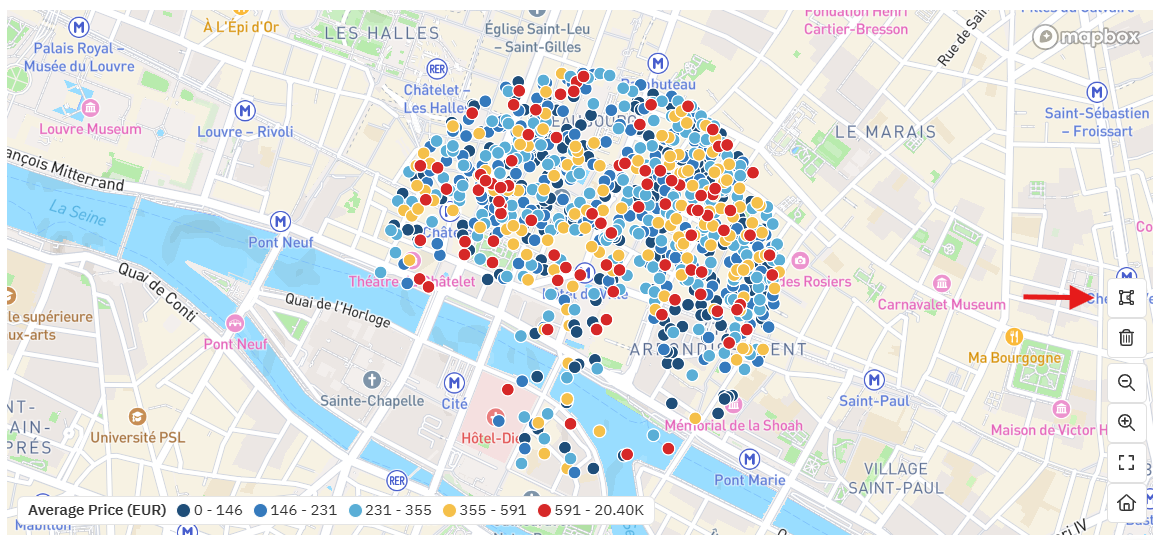
These filters allow you to eliminate outdated or poorly managed listings that could skew your data.
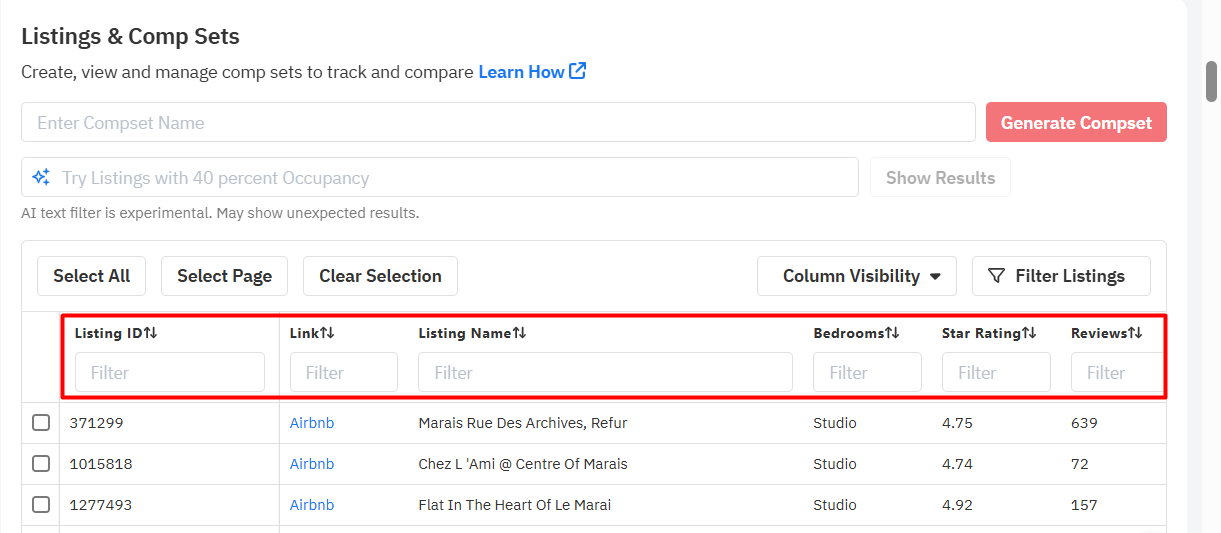
Each listing can be previewed before being added to your Comp Set. Review:
Add listings that mirror your property profile and operational strategy. Avoid properties that differ significantly in size, location, or quality tier—even if they’re nearby geographically.
Once you’ve added 5–15 relevant listings, assign a descriptive name such as:
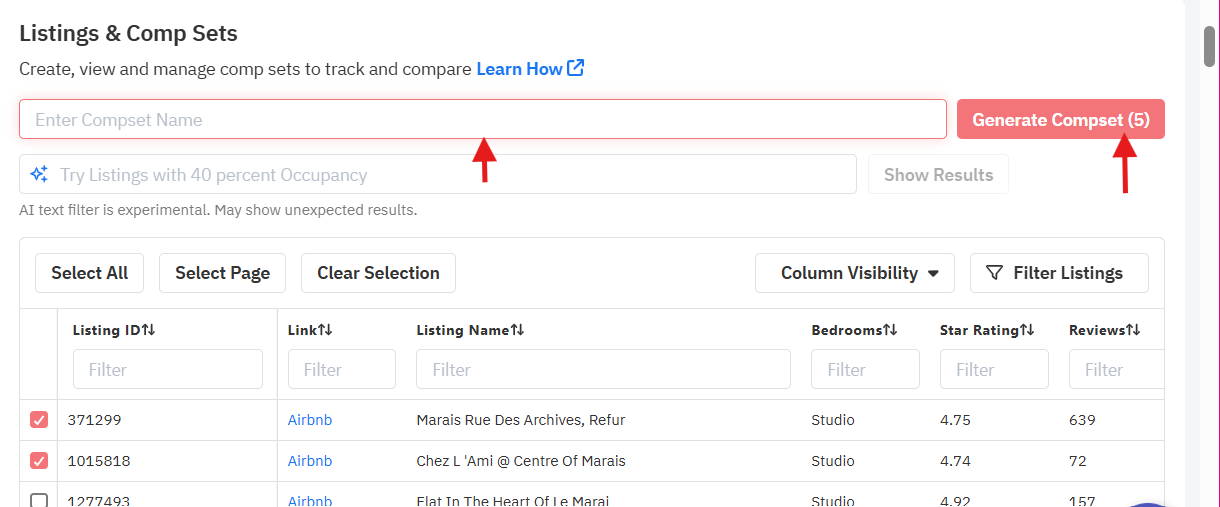
Saved Comp Sets automatically feed into the dashboard and can be:
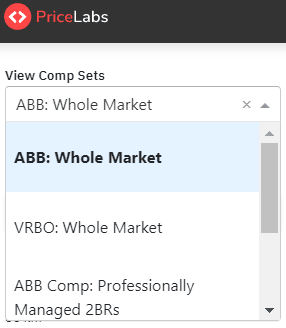
Once your Comp Set is active, the Market Dashboard becomes a live snapshot of how your competitors are performing and adjusting their strategies. Everything you see in the Market Dashboard will then become entirely customized for the comp set that you choose.
While Comp Sets deliver a narrow, curated view of your direct competition, Neighborhood Data offers broader context by analyzing all active listings near your property. This module utilizes GPS-based geofencing to collect data within a defined radius, typically ranging from 0.5 to 3 km.
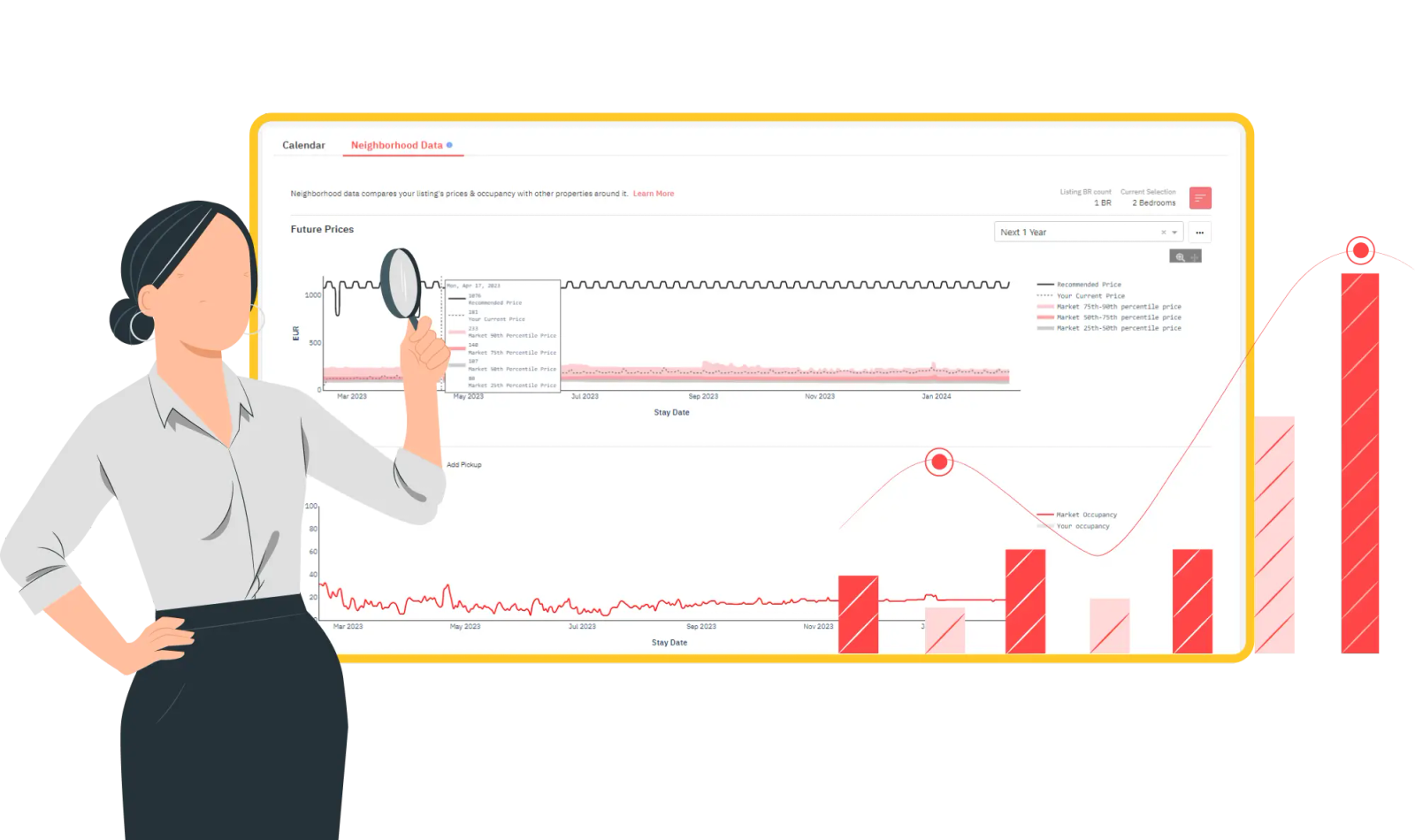
Neighborhood Data is updated frequently, featuring interactive charts and historical timelines that enable you to compare your own performance alongside anonymized local listings.
Use this data to:
The strength of PriceLabs lies not just in surface-level data, but in the integration of metrics across features. Here’s how to combine Comp Sets, Competitive Analysis, and Neighborhood Data to create a pricing strategy that adjusts to market fluctuations in real time:
To make the most of PriceLabs’ advanced pricing intelligence tools, it’s not enough to build a comp set once or glance at Neighborhood Data occasionally. Proper usage requires systematization, validation, and strategic layering of data over time.
Below are best practices to help you scale and refine your pricing decisions:
Establish a recurring schedule—monthly for high-velocity markets or quarterly for stable ones—to revisit your comp sets. Check for inactive listings (those with no calendar updates for 30+ days), update new high-performing competitors, and remove listings that no longer resemble your property profile.
Instead of relying on a single generic comp set, create multiple sets tailored to specific timeframes or property use cases. Examples include:
Each set can reveal different pricing behaviors and support micro-strategies, such as increasing rates for last-minute demand or lowering minimum stays in shoulder seasons.
Avoid anchoring your prices only to the average. Use percentiles (25th, 50th, 75th) to understand the pricing ladder in your market. For luxury listings, pricing below the 50th percentile can undercut perceived value. For budget listings, pricing above the 75th percentile can limit visibility.
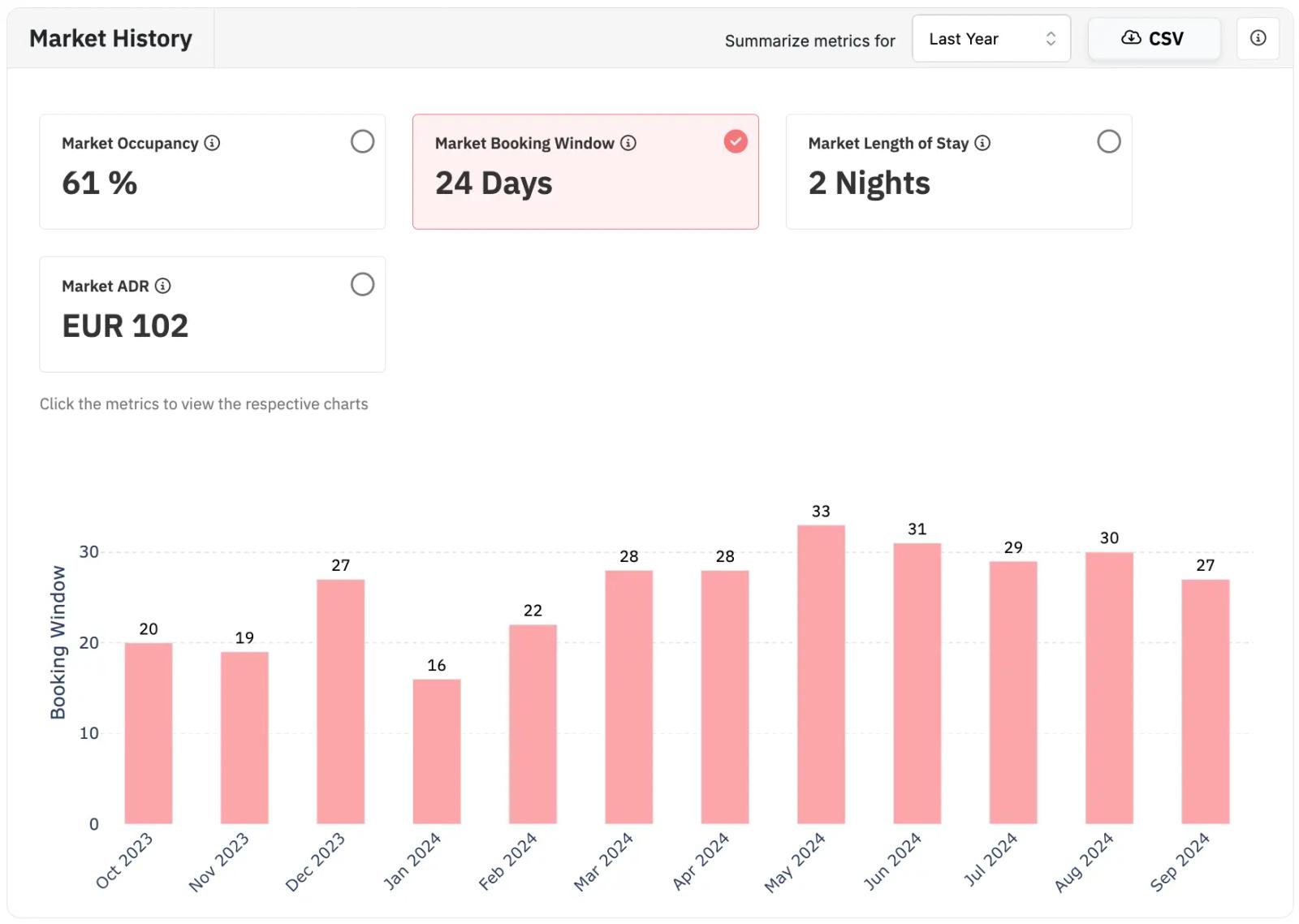
Don’t just copy competitor rates—study how far in advance properties are getting booked. If your comp set created in the Airbnb comparison tool shows high lead times (30+ days), but your bookings cluster last-minute, your rates may be too low early on. Use this insight to:
For property managers with multiple listings, align individual comp set insights with macro portfolio trends via PriceLabs’ Portfolio Analytics module. This ensures you’re not overcorrecting based on outliers or misreading comp set data in isolation.
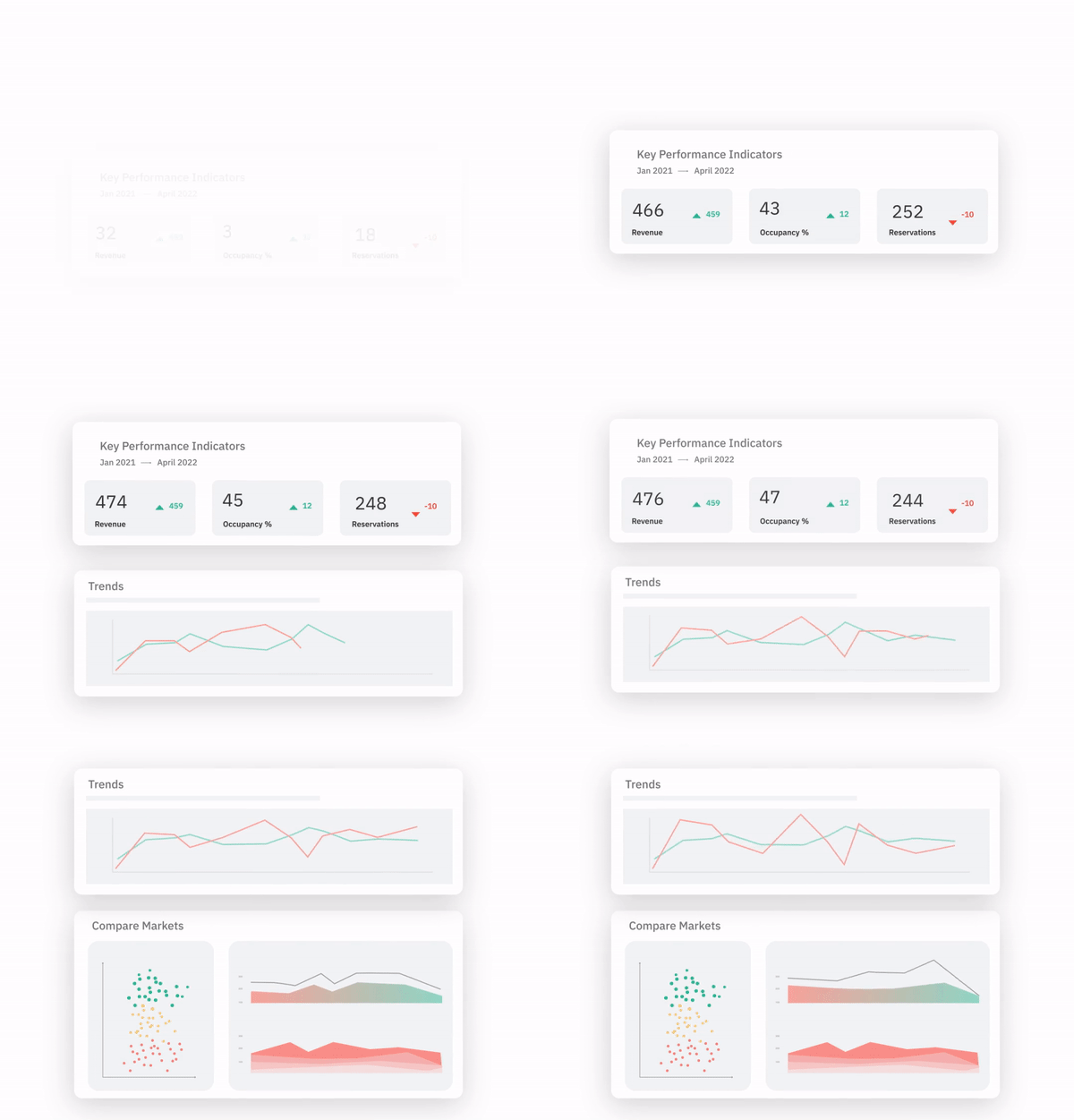
Use the Competitive Analysis and Neighborhood Data exports to back up pricing decisions. Include:
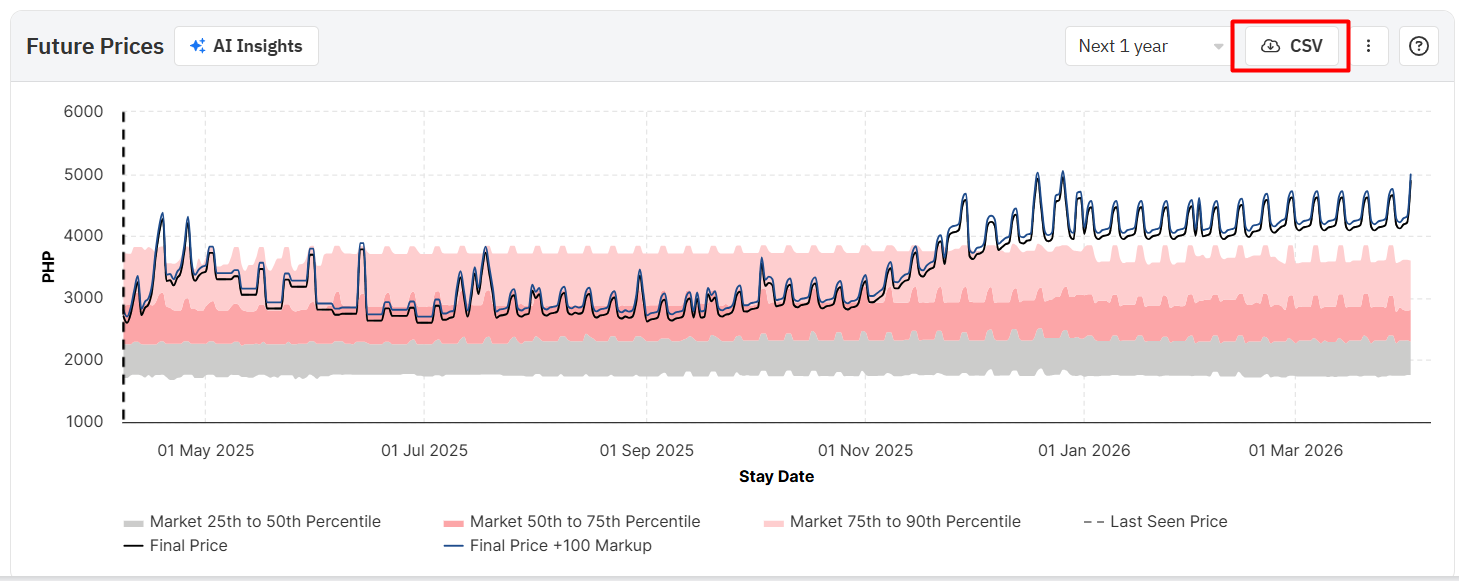
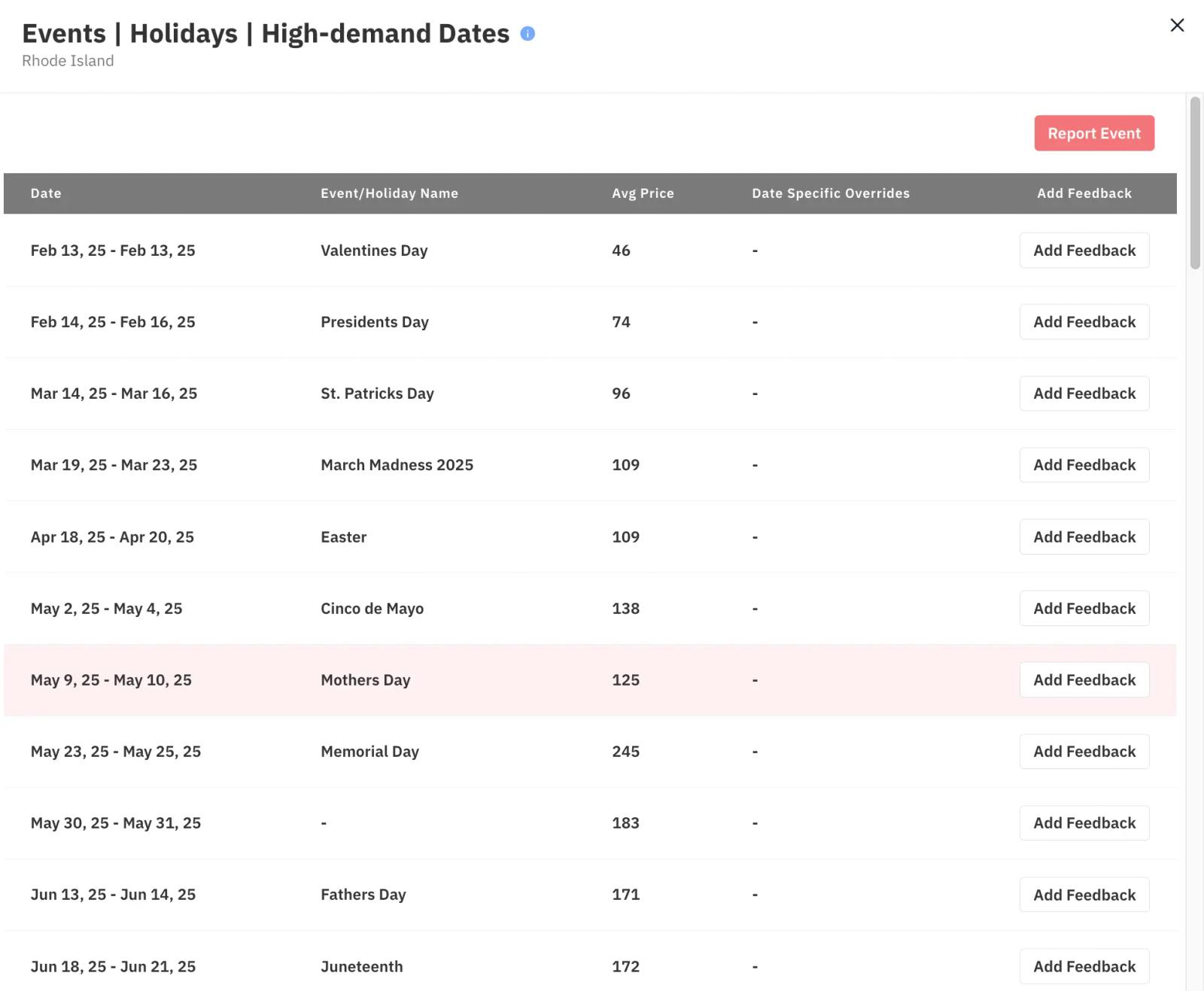
Overlay event calendars with Comp Set price history to anticipate pricing spikes. Use these insights to pre-program pricing rules and avoid reactive changes. If your comp set raised rates for a local marathon or conference last year, build a recurring rule for that period this year.
Markets evolve. A comp set that served you well in Q1 may become misaligned in Q3 due to new entrants, changing guest demand, or shifts in pricing behavior. Use dynamic filters and track listing churn in Neighborhood Data to refine your selection.
Numbers tell one side of the story. Regularly audit competitor listing content—photos, titles, amenities, house rules—to identify why certain listings outperform others at similar price points. Factor this qualitative layer into your pricing adjustments and comp set selections.
Pricing isn’t just about numbers—it’s about context. The Airbnb comparison tool PriceLabs offers provide you with both the data and the analytical muscle to understand your competition, anticipate market trends, and adjust your pricing strategy accordingly. Comp Sets help you measure yourself against direct competitors. Competitive Analysis shows how those competitors behave over time. Neighborhood Data adds a layer of real-time market intelligence that reveals larger demand patterns.
Together, they form a comprehensive pricing intelligence system that empowers you to go beyond trial and error and toward a system that evolves with your market. When used correctly, these tools don’t just help you keep up—they help you get ahead.
Once you've compared your options, see our tactical guide to outperforming your competitors in 30 days.
Want to learn what PriceLabs can do for you? See for yourself with a free trial. Get started now!