Get started with PriceLabs now!
Want to learn what PriceLabs can do for you? See for yourself with a free trial. Get started now!

Property management automation means setting up software to complete repeatable rental tasks without manual input. The eight tasks below save vacation rental managers and hosts the most time: calendar sync, guest messaging, turnover scheduling, pricing, financial reporting, review requests, direct booking marketing and guest payments. Each section lists exactly what to switch on and when each step should run, whether you manage one listing on Airbnb or a portfolio across several platforms.
Connect every listing to a channel manager so a booking on one platform blocks the same dates everywhere else. Choose a setup with two-way sync, which sends reservations, availability and prices in both directions between your channel manager, your property management system and your pricing tool. Hosts with only two platforms can start with an iCal sync between Airbnb and Vrbo and move to a channel manager once the portfolio grows.
Next, set up the first guest message: a booking confirmation that sends the moment a reservation is made. Include the property address, check-in and check-out times, the number of guests booked and your house rules. Before you turn on automatic price updates, connect each listing to your pricing tool and check that its calendar shows the same booked dates as your Airbnb and Vrbo calendars, as described for syncing your calendar with dynamic pricing.
Add four more messages after the booking confirmation, so each guest receives five in total. Build them inside your Airbnb workflow automation or property management system, and use merge fields for guest name, property address and door code so each message fills in on its own.
Pair the pre-arrival message with self check-in so access details go out without a person present. An Airbnb lockbox works for a single property, and smart locks with expiring codes suit larger portfolios. Keep a phone number or inbox monitored for urgent issues such as a lockout, and consider a short-term rental virtual assistant for replies that templates cannot cover.
Set the checkout in your calendar as the trigger for a cleaning task. The task goes to your cleaner the moment the reservation is confirmed and lists the property address, checkout time, next check-in time and a room-by-room checklist covering bedrooms, bathrooms, kitchen and living areas. The cleaner accepts the job in the same tool, and a shared vacation rental calendar lets cleaners see same-day turnovers before they accept a slot.
Require the cleaner to upload one photo of each bedroom, bathroom, the kitchen and the living area before marking the job complete, so cleaning standards stay consistent across cleaners. Set recurring maintenance tasks on fixed schedules: a smoke and carbon monoxide alarm test every month, an HVAC filter check every 90 days or as the filter manufacturer specifies, and a pool service every week during the swimming season.
Connect your listings to a dynamic pricing tool and let it recalculate rates every day. Our Hyper Local Pulse algorithm builds a recommendation for each night using hyper-local signals such as seasonality, day of the week, events and holidays, pacing and lead time, together with your own historical performance and upcoming bookings. When we launched it, we reported an average 26% increase in RevPAR for new PriceLabs users within three months, and results vary by market and listing (PriceLabs Breakthrough Release).
Then automate the stay rules that sit next to price. In your Customizations panel, open Minimum Stay Settings, switch on the toggle and select PriceLabs Recommended (Short-Term Rental) to use Dynamic Min Stay, which recommends longer minimums for far-out dates and shorter ones for small gaps between bookings. You keep full control by entering your base price, minimum price and maximum price for each listing and setting your booking rules before the automation runs.
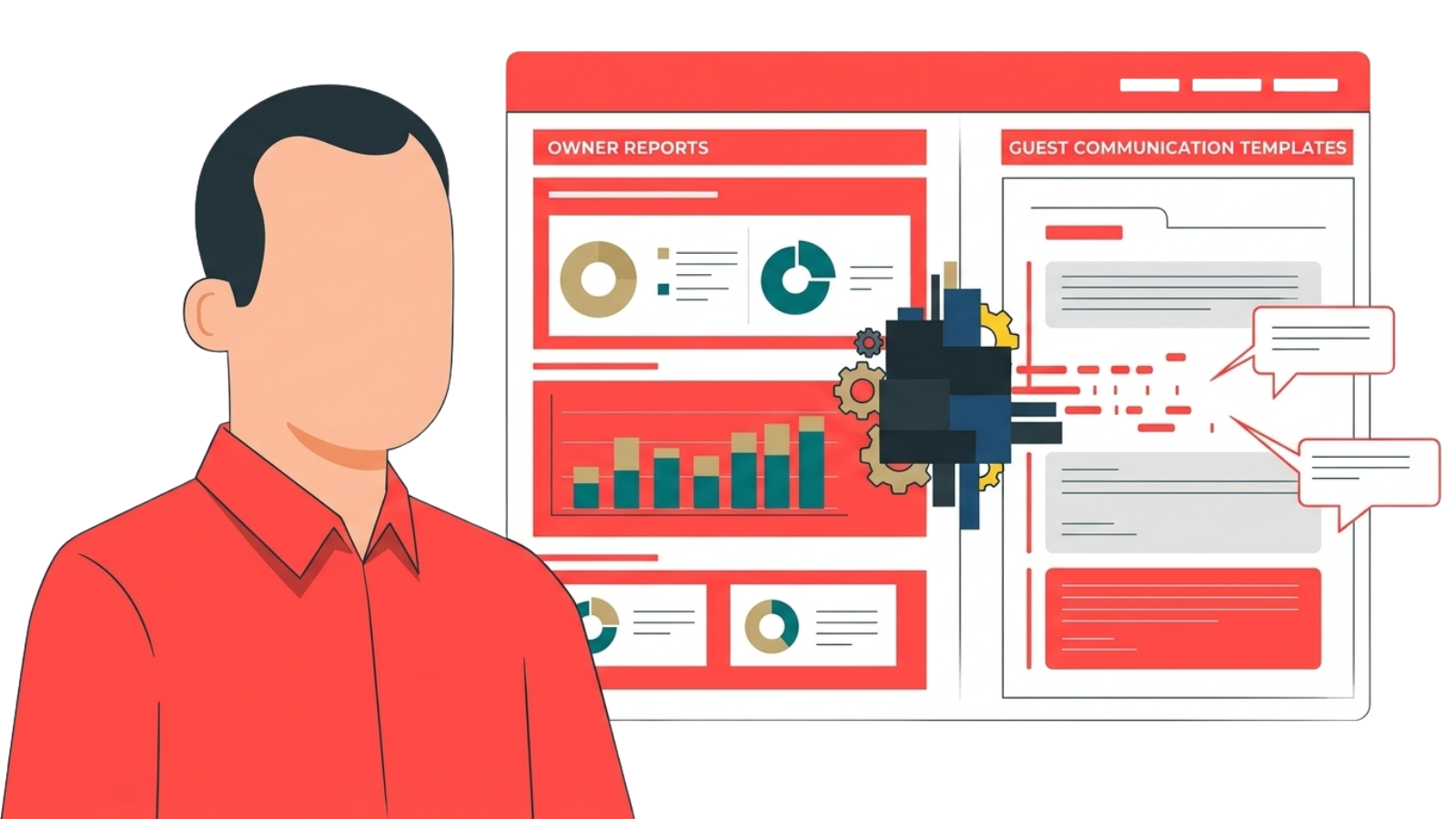
Connect your bank and payment accounts to accounting software so transactions import automatically. Create expense categories for cleaning, maintenance, supplies, utilities, platform fees and software, and add a rule that assigns each recurring vendor to its category. Schedule a monthly report to arrive on the fifth day of each month, covering revenue, occupancy, average daily rate, RevPAR and expenses by category for each property, and send it to yourself and to any owners you manage for.
For performance across listings, Portfolio Analytics gathers your numbers in one view, so you can compare properties in a single place each month. Lodging tax rules vary by location, so confirm with a local accountant which taxes each platform collects before you automate any filing.
Create a review request that sends at 10 a.m. the day after checkout, and schedule one follow-up 48 hours later for guests who have not yet left a review. Two touchpoints keep the request polite across every stay and give you a steady route to more reviews on Airbnb.
Send a three-question private survey in the same message: an overall rating from one to five, what was missing or could be better, and whether the guest would stay again. Guests can share detail there that they would not post publicly. Monitoring feedback across platforms is the core of short-term rental reputation management, so read every private survey answer yourself on the first of each month and list the three most repeated complaints.
Add every guest to an email list at checkout, with their consent, so your list grows without manual exports. Schedule an email 60 days before the month each guest stayed in, offering 10% off a stay in that same month, with a promo code that expires after 14 days. Offer codes tied to repeat guests reach the people most likely to rebook, which is how direct bookings grow without more ad spend. Queue one social post per week for the next four weeks, each featuring one photo of the property and one local attraction.
AI tools can draft the emails and posts, and a human edit before sending keeps the tone consistent with your brand. The approach to AI for vacation rental marketing works best when you give the tool your property details, guest type and offer.
Direct bookings give you control of the payment schedule. Charge 50% at booking and the remaining 50% 30 days before arrival, and charge the full amount at booking when the stay starts within 30 days. Send a payment reminder email 7 days before the balance is due and a receipt the moment each payment clears, so guests see the schedule and your records stay complete for accounting.
Bookings made through an online travel agency usually follow that platform's payment process, so automated payments matter most for direct stays. For damage protection on platform bookings, you can add a deposit fee to Airbnb.
Begin with calendar sync and the booking confirmation, because errors there are visible immediately. In week two, add the other four guest messages and the cleaning task. In week three or four, turn on dynamic pricing and Dynamic Min Stay once your listings and channel connections show the right dates. Choose tools that connect to each other, since integrations between your property management system and pricing tools remove the most manual re-entry, and a full automation tool stack usually has one tool per layer.
After 30 days, check three numbers: the share of guests who replied to your messages, the time between checkout and cleaning completion, and the gap between your calendar prices and the prices recommended by your pricing tool. Keep a person responsible for exceptions, guest complaints and anything that affects safety.
We built PriceLabs to take pricing and availability rules off your daily to-do list. Dynamic Pricing powered by Hyper Local Pulse recalculates prices every day and sends them to your booking platforms, either directly or through the property management systems we integrate with. The Multi Calendar page lets you view and set pricing customizations and overrides for many listings in one place, and Market Dashboards show how your listings compare with local performance. You keep control through customizations such as minimum stay profiles, which you can apply to listings, groups or your whole account.
Repeatable, rule-based tasks are the safest to automate. These include booking confirmations, calendar sync, pre-arrival messages, cleaning assignments, recurring maintenance reminders, review requests and dynamic pricing updates. Decisions with legal, safety or relationship consequences, such as complaints, damage claims and emergencies, should stay with a person.
Start with calendar sync and the booking confirmation message, because the setup is quick and mistakes are easy to spot. Add the pre-arrival, check-in day, mid-stay and checkout messages and the cleaning task in the second week. Turn on dynamic pricing and minimum stay rules in weeks three and four, and review your results after 30 days.
Automation sends the right message at the right moment, such as a confirmation right after booking, arrival details three days before check-in and checkout steps the evening before departure. Guests receive consistent information, and you avoid retyping the same answers for every stay. A phone number or inbox should stay monitored for urgent or sensitive questions so guests can reach a person quickly.
Dynamic pricing is reliable when it runs on accurate listing details and sensible limits. The software compares your listing with similar local properties and updates prices on a schedule, while you set the base, minimum and maximum prices and the stay rules it works within. Reviewing results regularly helps you adjust those limits as your market changes.
Yes, channel managers and property management systems connect several booking platforms and update availability across them. Sync frequency varies by tool, so check how often your system pushes updates and which channels it supports. We send recalculated prices to booking platforms directly or through the property management systems we integrate with.
Want to learn what PriceLabs can do for you? See for yourself with a free trial. Get started now!