Get started with PriceLabs now!
Want to learn what PriceLabs can do for you? See for yourself with a free trial. Get started now!

Vacation rental revenue management during a slowdown means changing what your calendar will accept, not just what it charges. When demand softens, guests book later, stay fewer nights and compare more listings before committing, so rules that worked in a strong year quietly start blocking bookings.
Here are the seven moves, in the order to make them:
Each move depends on the one above it, which is why the order matters as much as the list. The full revenue management playbook covers the strategy in a normal year, and everything below is what changes when demand turns.
Your base price is the anchor every nightly recommendation is calculated from. A base price set in a stronger year will skew every date on your calendar, so this comes before any other change.
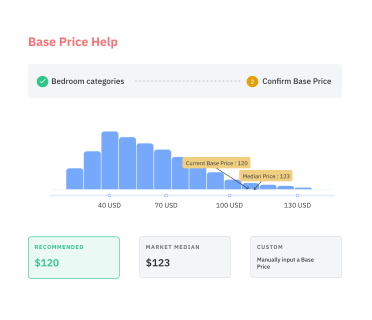
Open Base Price Help, which suggests a market-driven starting rate from your listing's own performance and nearby comparable homes, and compare it against what you charge today. Check that anchor monthly while demand is unsettled rather than once a quarter.
Your minimum price does the defensive work, and most calendars set it too round. Build the floor from the real variable cost of a booked night:
Set the result as your minimum rather than a memorable figure like 100. The principle behind dynamic pricing for vacation rentals is that your floor and ceiling carry the commercial judgment while the algorithm handles the nights in between.
Maximum price matters more in a slowdown than people expect. Demand rarely drops evenly, and a festival weekend or late school holiday can still spike while the rest of the month sags. A low ceiling caps the one week that could rescue your month, so leave room above the peak you saw last year.
Slow weeks feel like slowdowns, and most are not. Check the same three numbers every week, on the same weekday:
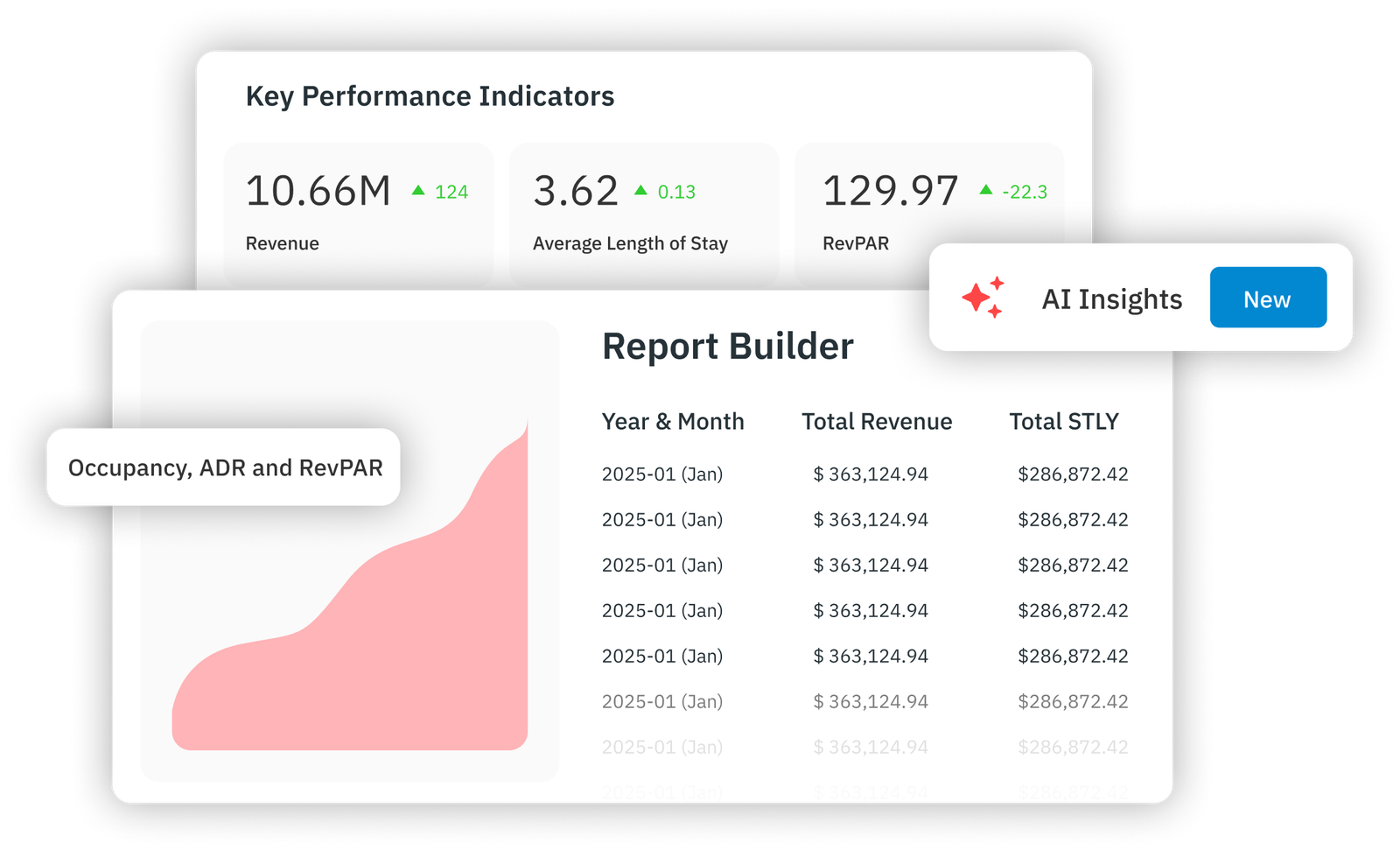
Portfolio Analytics comes free with Dynamic Pricing and compares occupancy, ADR and RevPAR against last year, which is enough to separate a quiet fortnight from a real shift.
A Market Dashboard adds the comp set view, so you can see whether comparable homes near you are losing the same pace.
The difference decides your response. Market-wide softening calls for the stay-rule and gap work in moves three and four. Pace falling while your comp set holds steady points at your own listing, which is usually content, reviews or price against those neighbors rather than the market.
What each KPI tells you when demand softens
Booking window is the number to watch hardest, because it moves first. Tracking booking lead time tells you when last minute actually starts in your market, and that date decides where move five puts your discount.
A three-night minimum set during a strong summer removes your listing from every search by a guest looking for two nights. In a soft market, those are the searches still happening.
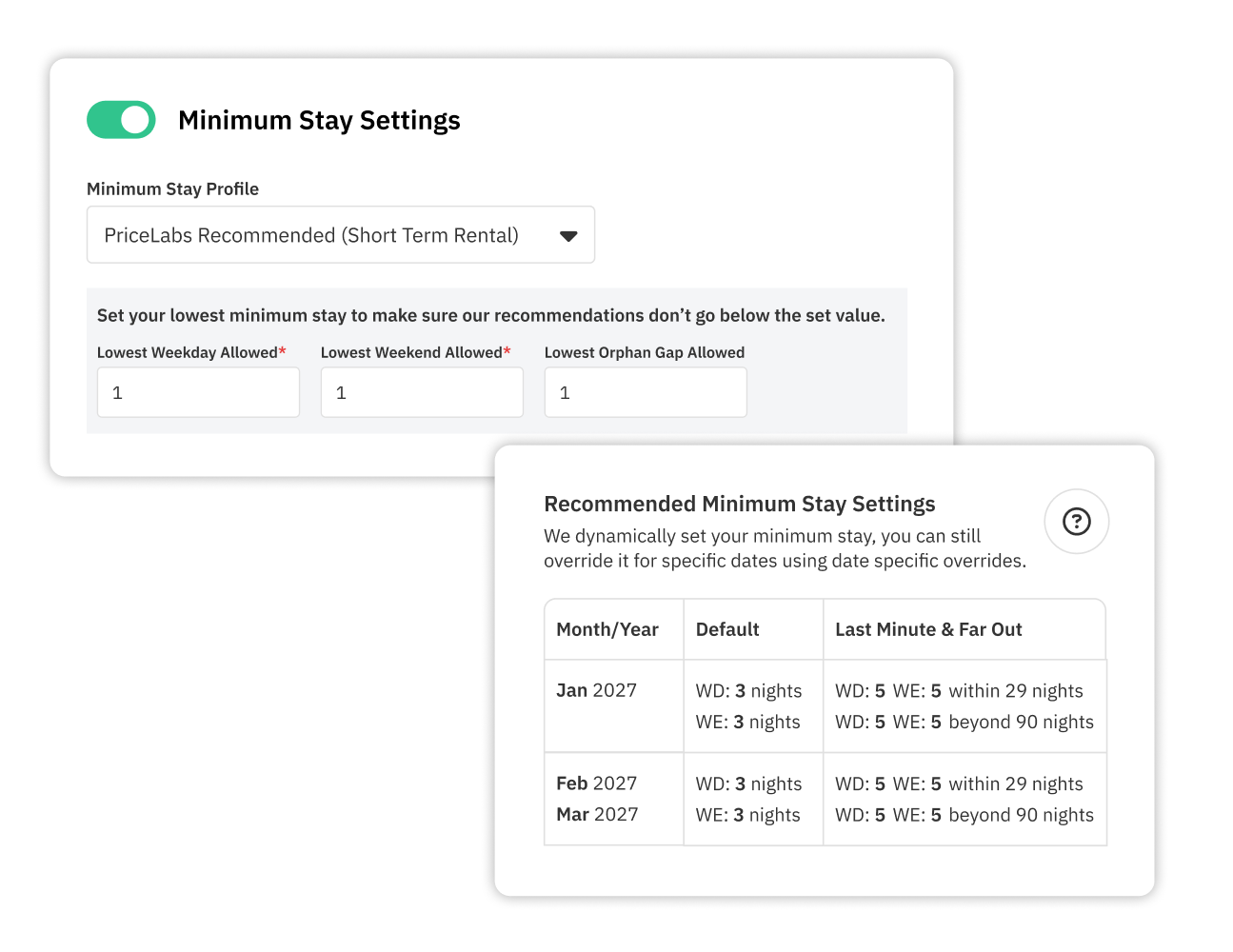
Here is the setup:
Two nights works as a floor for most whole-home listings in a soft market. One night is worth testing on midweek dates inside 14 days where your cleaning cost still leaves a margin.
Owners with a contractual minimum are the exception, and a time-boxed pilot on specific dates is easier to agree than a permanent change. Setting stay rules against your market rather than against habit is the highest-yield change on this list for most calendars, and the trade-offs an owner will ask about are worth having ready before that conversation.
Event dates work the other way. Dynamic minimum stay rules hold a longer requirement on the few dates where demand is still strong, so loosening the calendar in general does not cost you the nights that were never at risk.
Orphan gaps are the unoccupied nights trapped between two bookings. A standard minimum stay makes them unsellable by definition, because a two-night hole cannot be filled by a guest who must book three.
Three settings do the work:
Audit the calendar once at the start, because existing gaps and the rules that created them need separate treatment. A portfolio of 20 listings usually hides more stranded nights than anyone expects, and the settings that prevent and fill gaps are worth configuring together rather than one at a time.
Nights lost this way never appear in any report as a lost booking. Unbookable dates go unnoticed for whole seasons for exactly that reason.
Shorter booking windows change where your discount belongs. Cutting rates six months out gives money away to guests who were going to book anyway, while the nights genuinely at risk arrive in the next three weeks.
Build a curve in your customizations instead of a single flat discount:
Far-out pricing deserves the opposite treatment. Aggressive far-out premiums were built for a market where guests booked early, and holding them through a soft season leaves the calendar empty in the one window where longer stays are still being planned.
Ease the premium rather than removing it, then check pace again in two weeks. Our own experiments on last-minute discounts and far-out premiums found that the right starting point differs sharply between urban and traditional holiday markets, so the date your discount begins is worth setting from your own booking window rather than a round number. The last-minute pricing guide covers how to fill those gaps without dragging your ADR down with them.
Both of these live in the same place. If you have not been in there recently, the customizations panel is where last-minute prices, far-out premiums and occupancy-based adjustments all sit.
Every booking that arrives through a platform costs commission and gives you no way to reach that guest again. A list of 400 past guests is a real distribution channel in a slow quarter.
Email them with a reason to return:
Your platform listings still need attention in the same month. Refresh the main photo and the title on Airbnb, Vrbo and Booking.com, confirm the amenities guests filter for are actually ticked, and read the last ten reviews for anything that repeats.
Rate parity is the part most people get wrong when they push direct. Undercutting your own platform listings risks your ranking on them, so promoting rates for direct bookings works better through added value than through a lower headline number. The direct booking tactics worth the effort are the repeatable ones: past-guest email, a working booking site, and reviews visible outside the platforms.
Longer monthly stays are worth testing on dates where short-stay demand has dried up, especially in shoulder months. A 28-night booking at a lower nightly rate often beats nine scattered nights at full price, and the levers that bring in more bookings include the weekly and monthly discount rules you can set once and leave running.
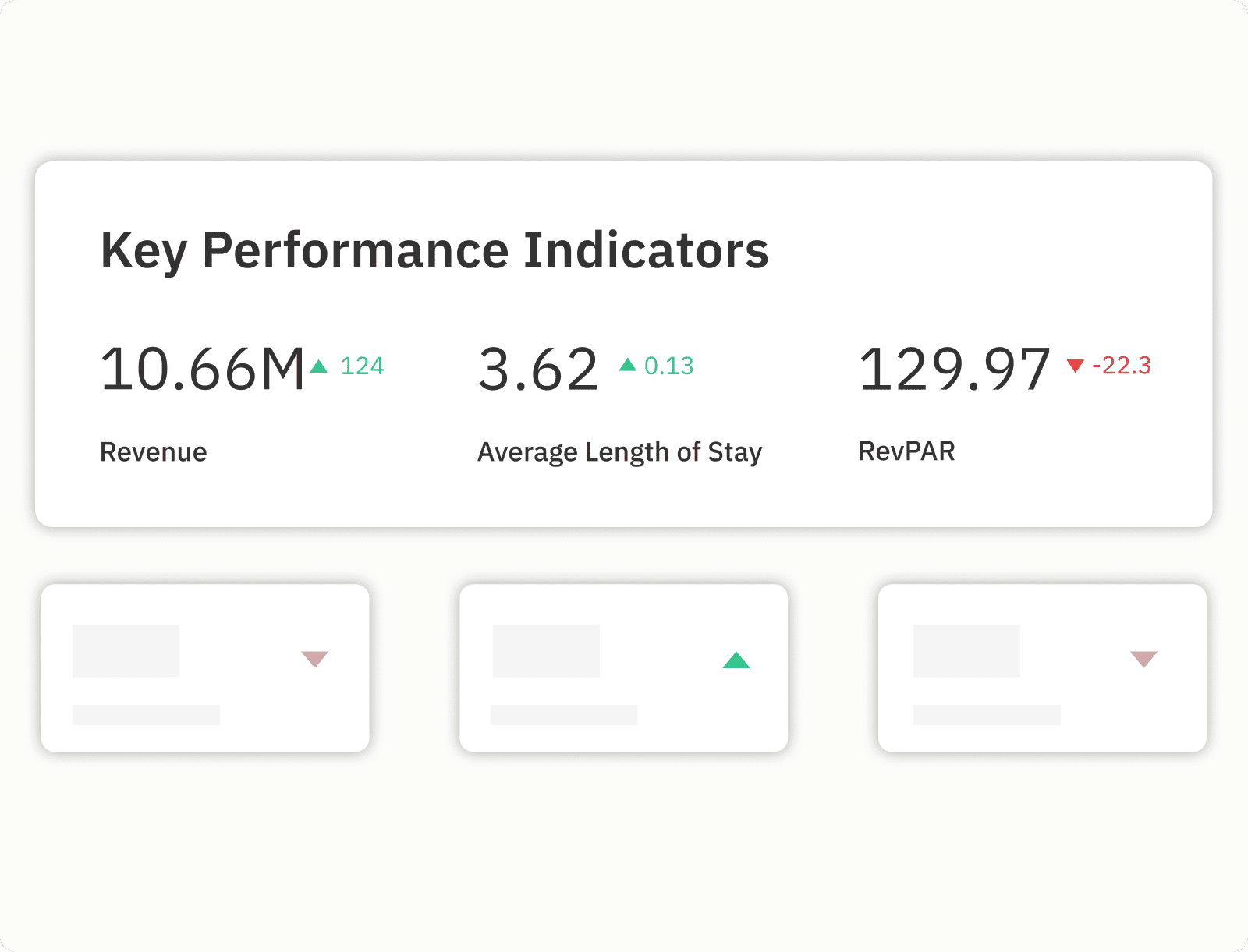
Changes made in a hurry get forgotten and left running for a year. Block 45 minutes on the fifth of each month and pull the same five numbers every time: revenue, occupancy, ADR, RevPAR and average booking window.
Each one goes against the same month last year, and owners receive the same five in the same format. A monthly report that arrives before the owner asks for it is the cheapest retention work available in a slow season.
Record what you changed and when, one line per listing. A note saying the minimum stay floor dropped to two nights on 3 March tells you in June whether the recovery came from the rule change or from the market.
At day 30, compare RevPAR and average booking window against the same 30 days last year. Three outcomes, three responses:
Our Dynamic Pricing tool recalculates rates every night and syncs them once a day to Airbnb, Vrbo, Booking.com and 150+ property management systems, so the rules you set in week one keep running without you.
The Hyper Local Pulse algorithm builds each night's recommendation from your listing's own performance and neighborhood-level demand signals, and Base Price Help gives you the anchor those recommendations are calculated from. Portfolio Analytics comes free with Dynamic Pricing and covers the monthly review in move seven.
Market Dashboards handle the comp set work, and Revenue Estimator Pro projects what a market or a specific property should earn before you commit to it. Every account starts with a 30-day free trial and no credit card.
Compare your pace and occupancy against your comp set rather than against your own last year, because a market-wide drop shows up across comparable homes while a listing problem shows up only on yours. A Market Dashboard gives you that comparison for your neighborhood in one view. If comparable homes are holding pace and you are not, work on your title, photos, amenities and review position before touching your rates.
Lowering the price is rarely the first move, because a short booking window and a stay rule that blocks two-night guests cost you more bookings than a rate that is 5% high. Loosen your minimum stays, make your orphan gaps bookable and build a last-minute discount curve inside 21 days first. If pace is still behind after 30 days with those changes running, revisit your base price with Base Price Help.
Two nights works as a floor for most whole-home listings, with one night worth testing on midweek dates inside 14 days where your cleaning cost still leaves a margin. Set the figure as your lowest minimum stay allowed, since that setting overrides every other stay rule on the listing. Owners with a contractual minimum are the exception, and a time-boxed pilot on specific dates is usually easier to agree than a permanent change.
Review the base price monthly while demand is unsettled, rather than the quarterly check that works in a stable market. Monthly is frequent enough to catch a market that is still moving and slow enough that you are responding to a trend rather than to one bad week. Daily rate changes happen automatically once your base, minimum and maximum are set, so the monthly review is about the anchor and not about individual nights.
A single stranded night each month across 20 listings is 240 unsold nights a year, and none of them appear in any report as a lost booking. Setting the orphan gap minimum stay to Length of Stay takes a few minutes per listing and makes those nights bookable at a rate your minimum price still protects. The setup matters most in a slowdown, because gaps that a busy market would have filled anyway stay open when demand is thin.
Want to learn what PriceLabs can do for you? See for yourself with a free trial. Get started now!